 CarTheme
Neon Drive CarPlay theme
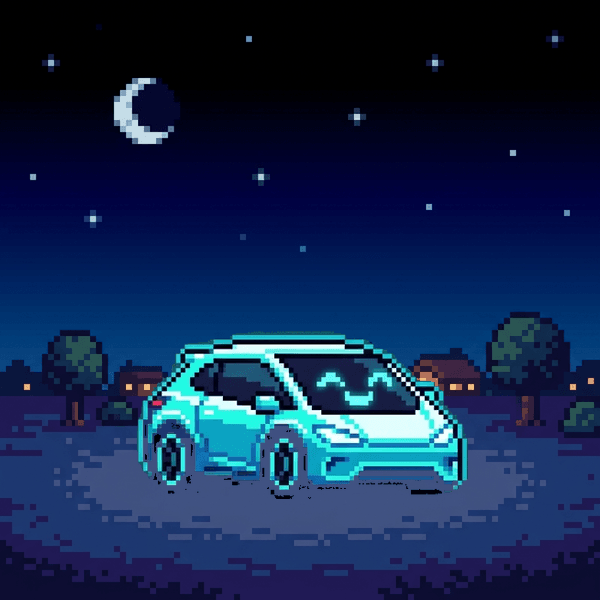
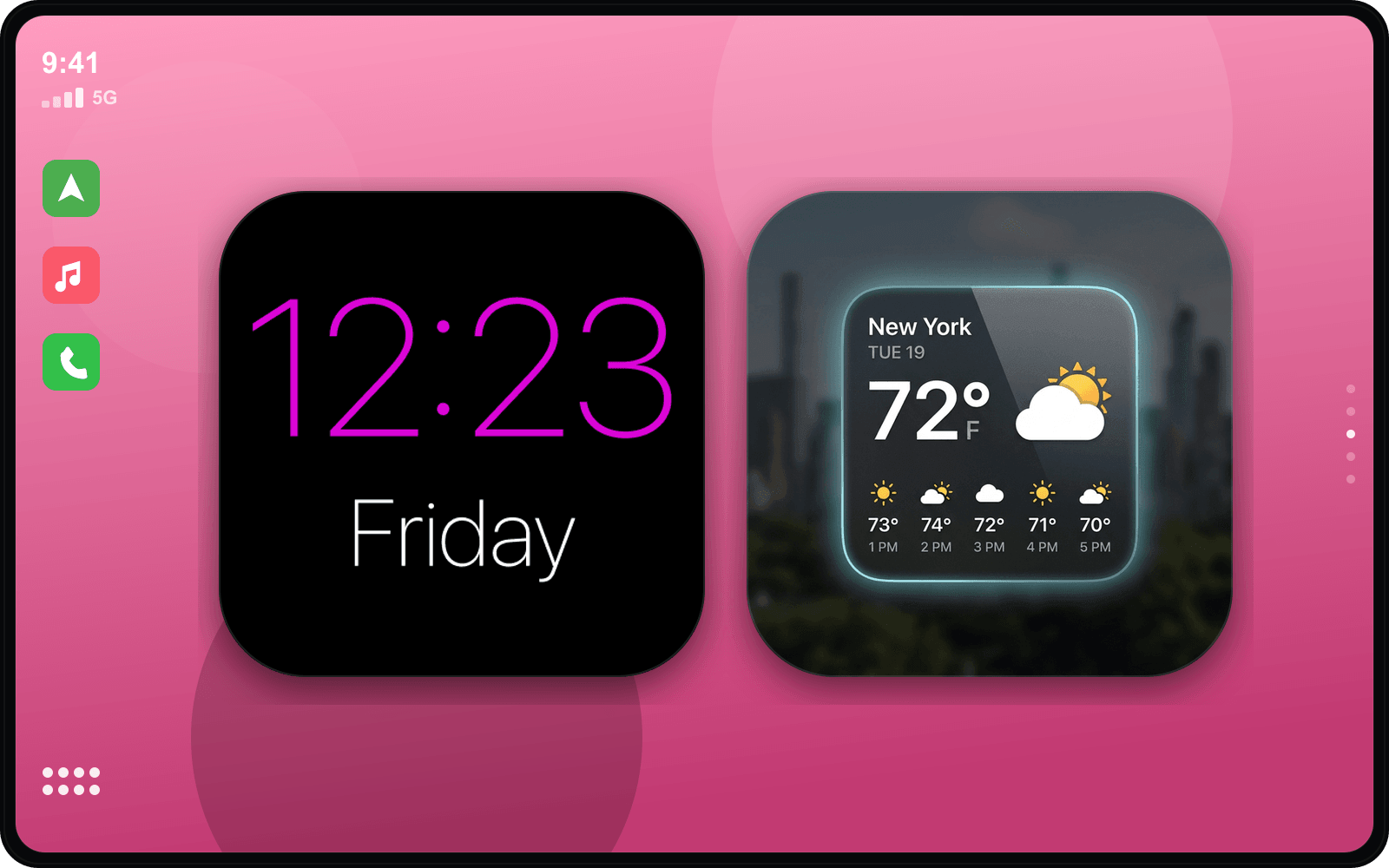
Touge energy for your commute. Neon Drive drenches the dashboard in deep midnight blues and electric magenta, with gradient widgets and a glow that makes every on-ramp feel like a downhill battle.
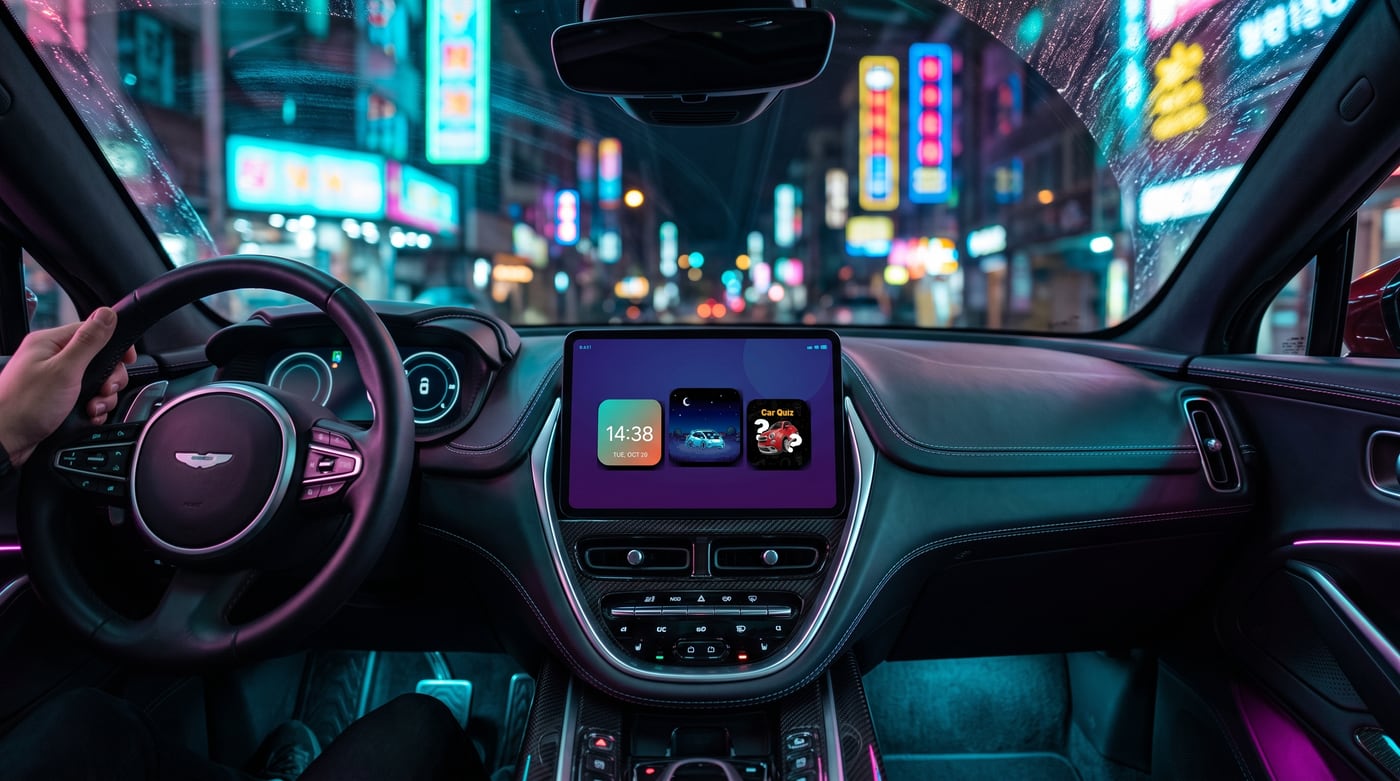
It’s bold but legible — high-contrast neon on dark, tuned so you can still read it at speed. Add a JDM startup sound and the whole thing comes alive.
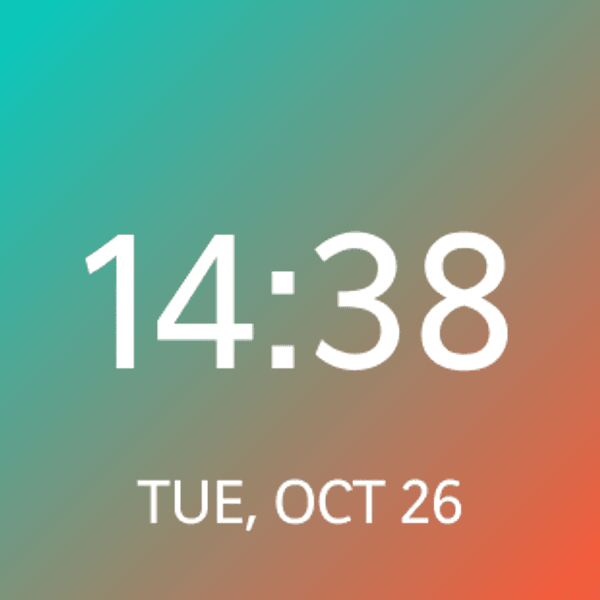
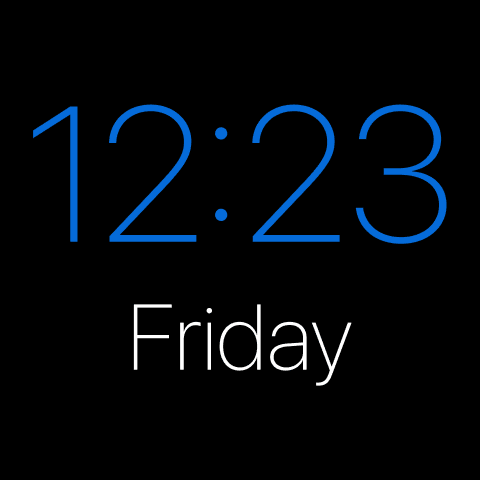
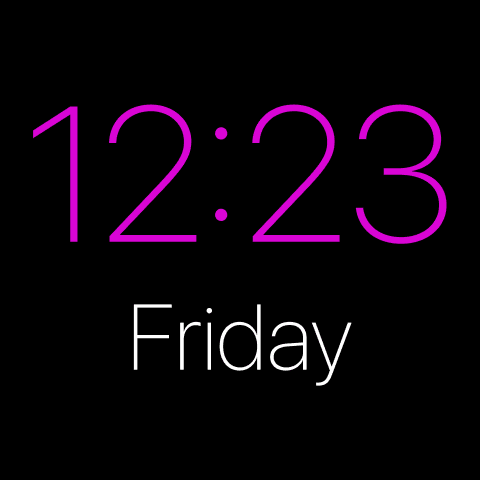
Widgets that fit the Neon Drive style
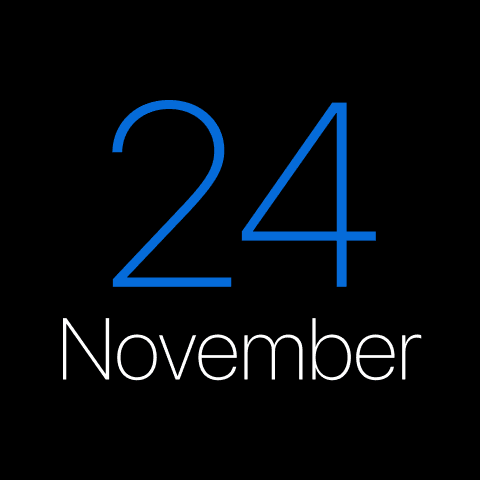
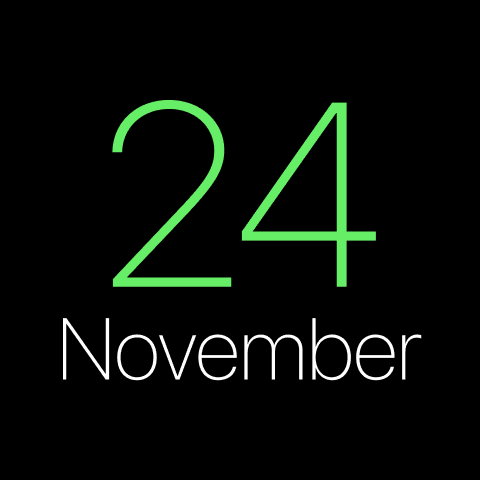
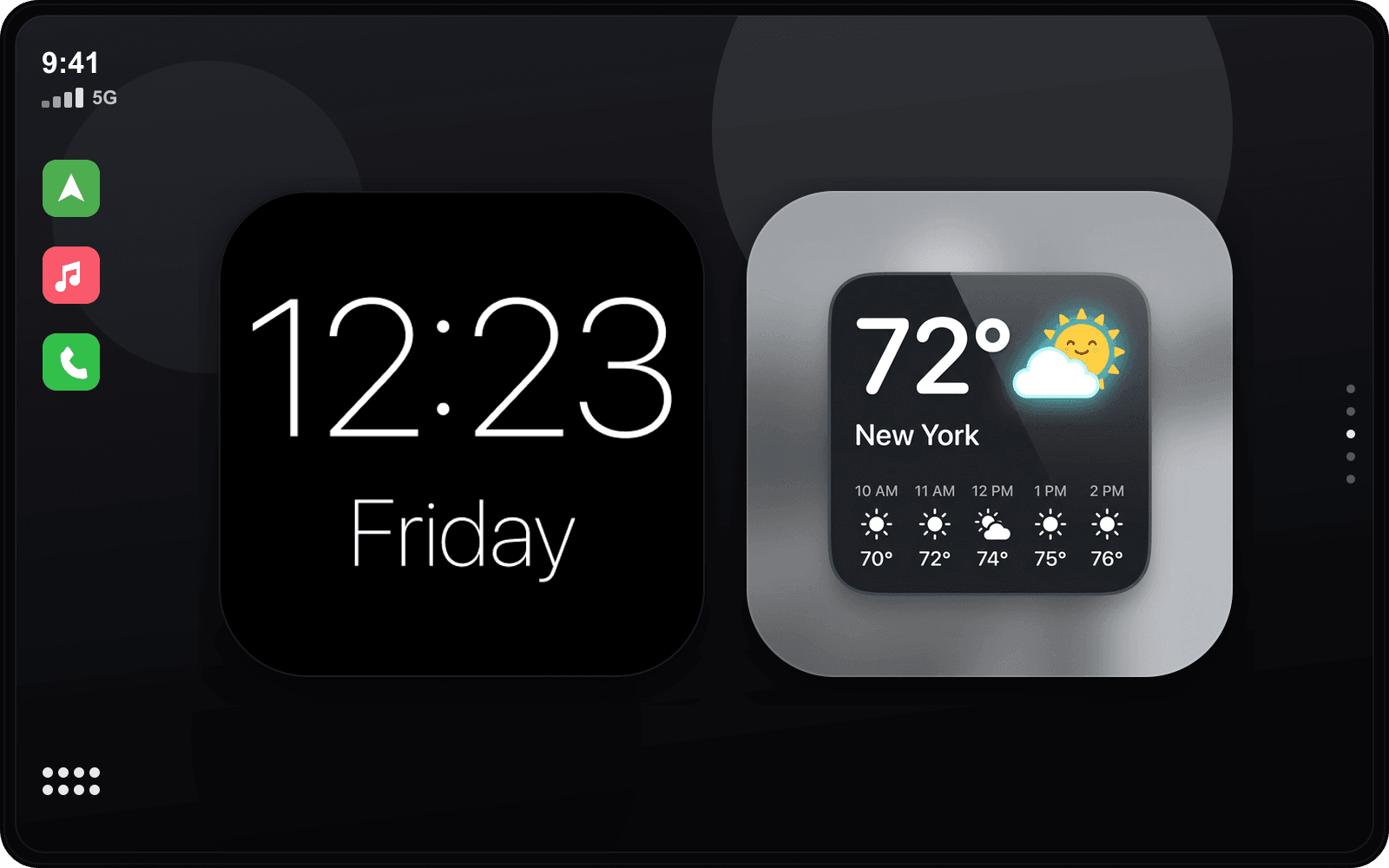
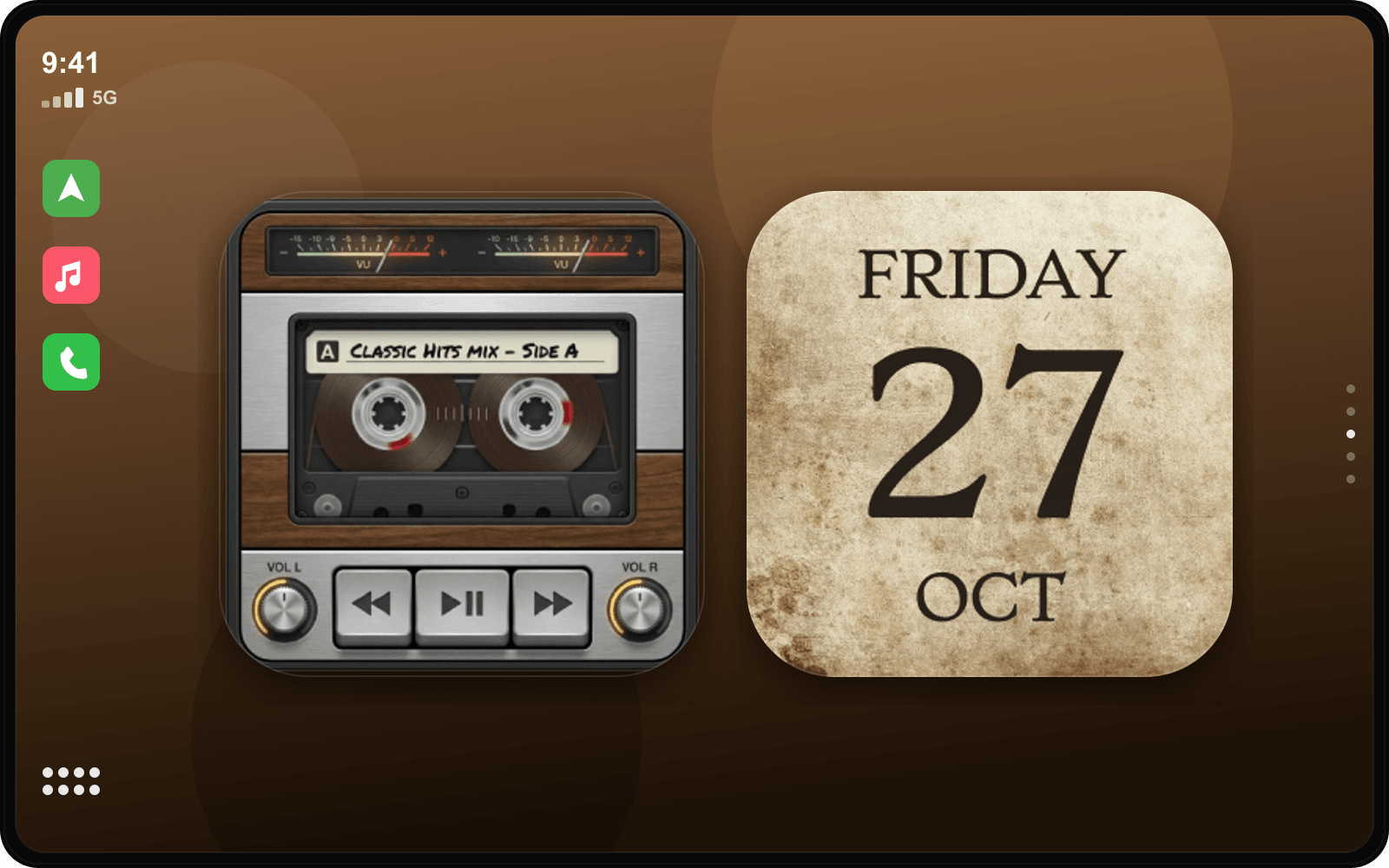
Hand-picked examples from our library — tap any to customize it and make it yours.

Matching startup sound
JDM Startup Sounds
Get the Neon Drive look
- 1
Download CarTheme
Free on the App Store for iOS 26.
- 2
Apply the theme
Pick Neon Drive from the theme gallery.
- 3
Add the widgets
Settings → General → CarPlay → Widgets.
- 4
Set the sound
Attach the JDM startup sound.
More themes
Ready to upgrade your dashboard?
Download CarTheme and set up your first widget, theme and startup sound in under two minutes.
Download on theApp Store