 CarTheme
Retro Vintage CarPlay theme
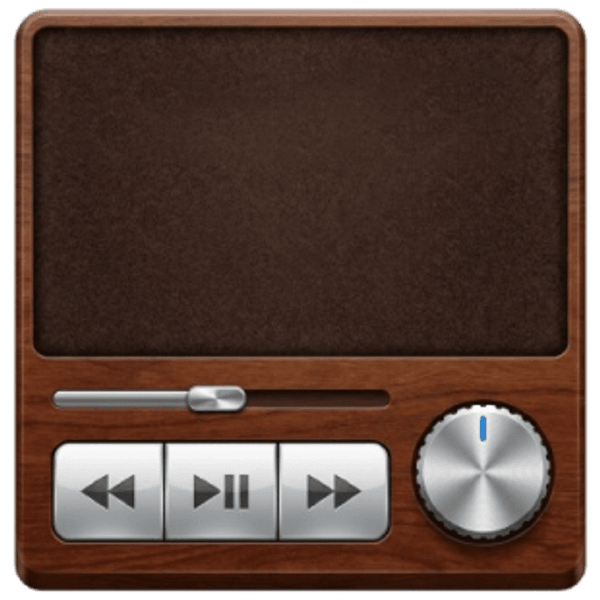
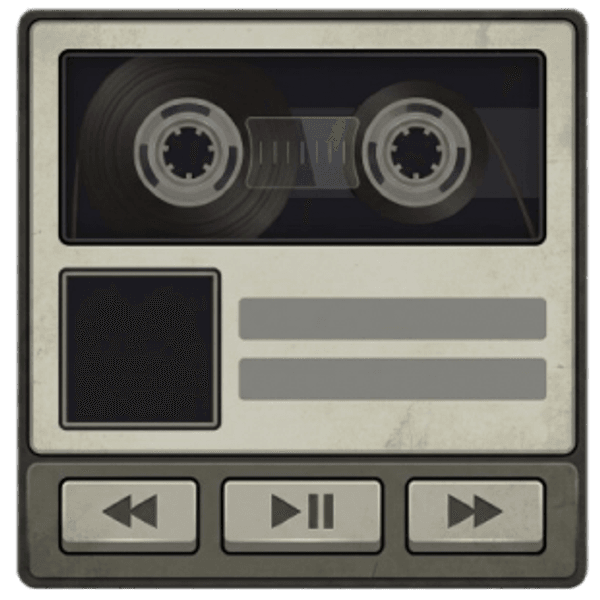
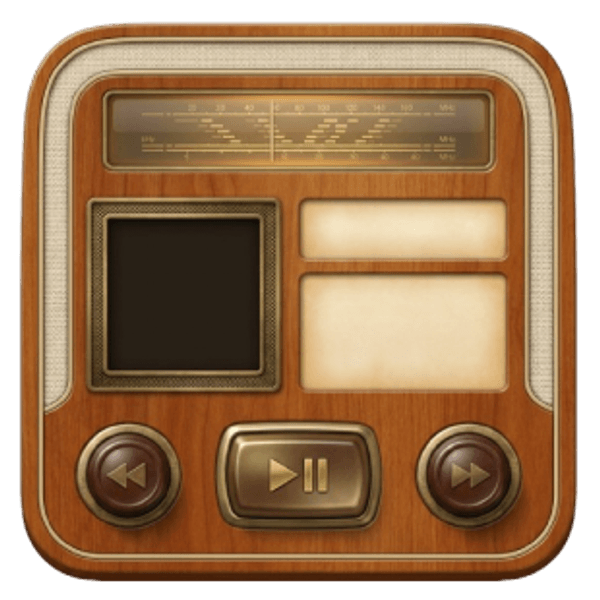
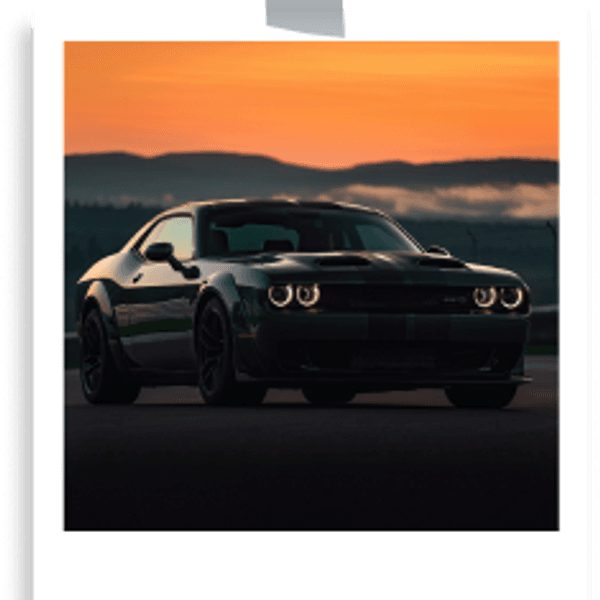
Analog soul, digital screen. The Retro theme brings back skeuomorphic cassette decks and tube radios, a grunge date card and a warm, grainy wallpaper that feels like a golden-hour drive in an old coupe.
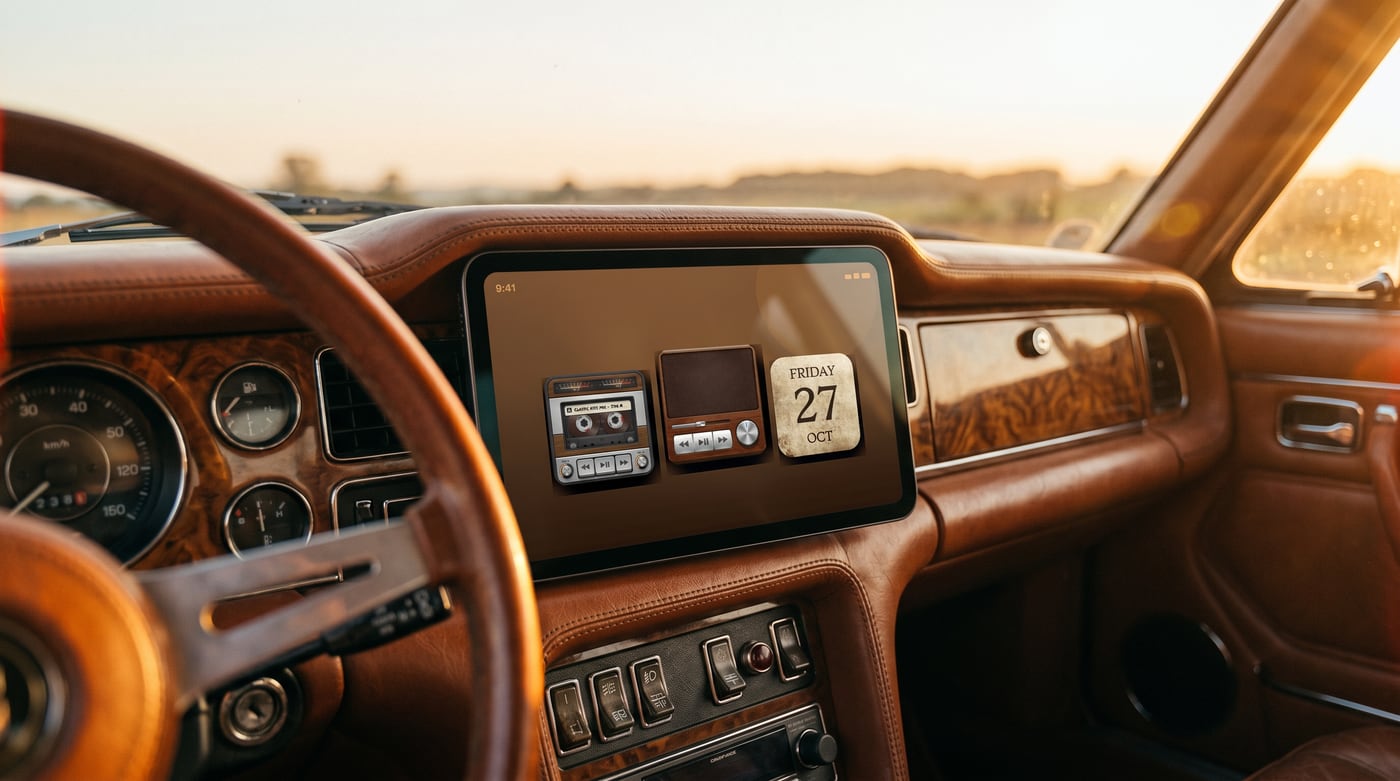
It’s nostalgia you can glance at: chunky dials, VU meters and serif dates, all tuned to look right on a modern CarPlay display.
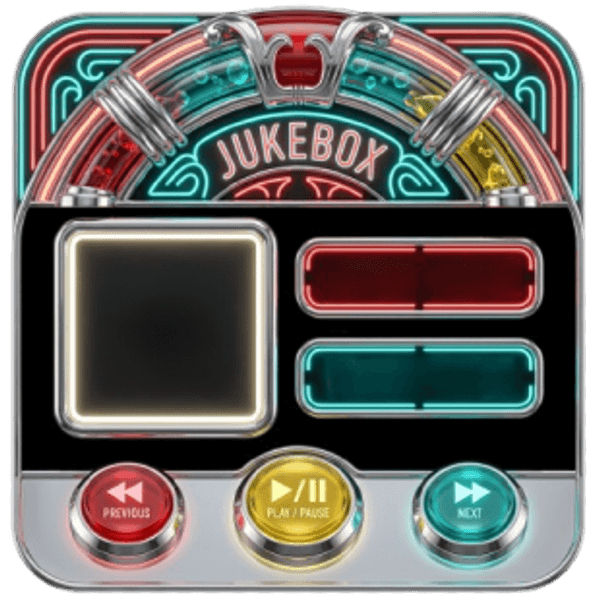
Widgets that fit the Retro Vintage style
Hand-picked examples from our library — tap any to customize it and make it yours.



Matching startup sound
JDM Startup Sounds
Get the Retro Vintage look
- 1
Download CarTheme
Free on the App Store for iOS 26.
- 2
Apply the theme
Pick Retro Vintage from the theme gallery.
- 3
Add the widgets
Settings → General → CarPlay → Widgets.
- 4
Set the sound
Attach the JDM startup sound.
More themes
Ready to upgrade your dashboard?
Download CarTheme and set up your first widget, theme and startup sound in under two minutes.
Download on theApp Store