 CarTheme
Minimal & Aesthetic Widgets for CarPlay
Not every dashboard needs to shout. The minimal look — a restrained palette, generous spacing, one or two well-chosen widgets — is quietly the most popular aesthetic on CarPlay for a reason: it’s calm, it’s legible at a glance, and it never goes out of style.
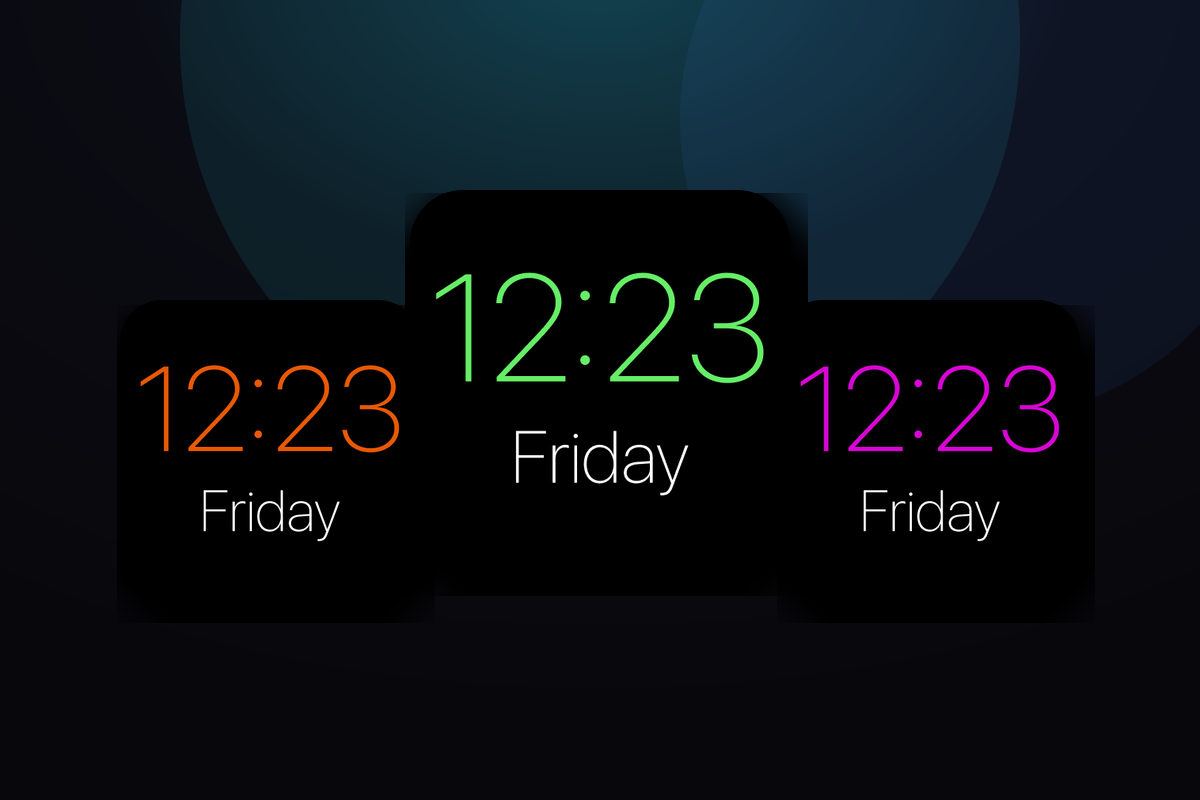
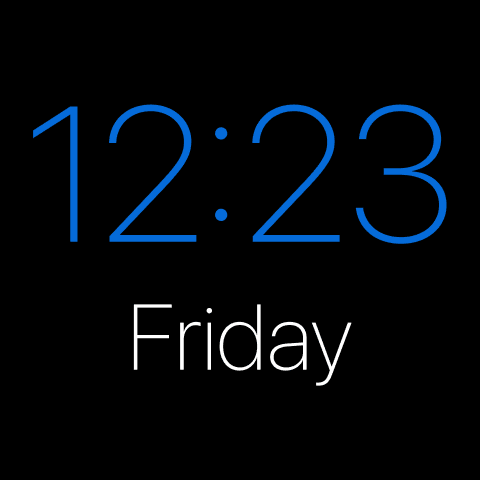
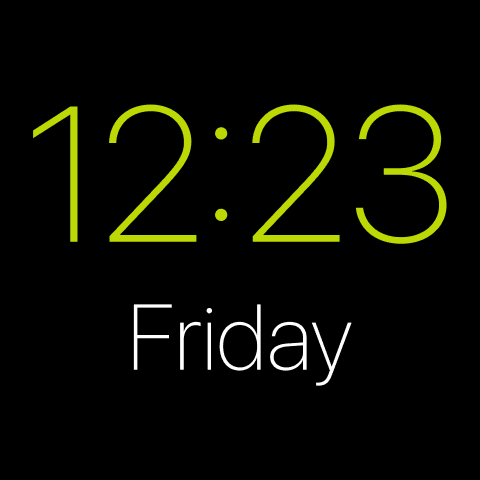
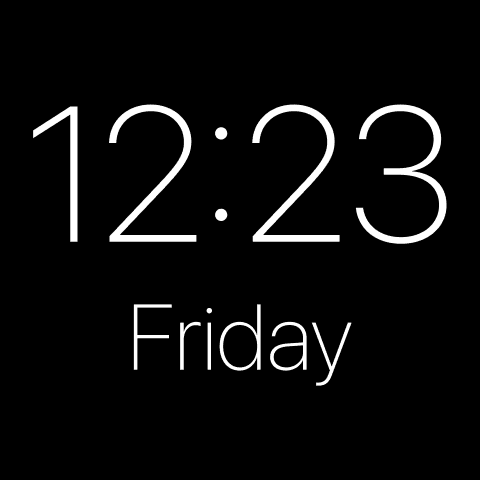
CarTheme’s minimal and aesthetic widgets are built around restraint: monochrome clocks, subtle weather, a single line of agenda, all in muted tones with plenty of breathing room. Pick a palette — soft beige, mono black, muted pastel — and get a dashboard that looks designed rather than decorated.
Minimal widget styles
A few looks you can create — or start from and make your own.
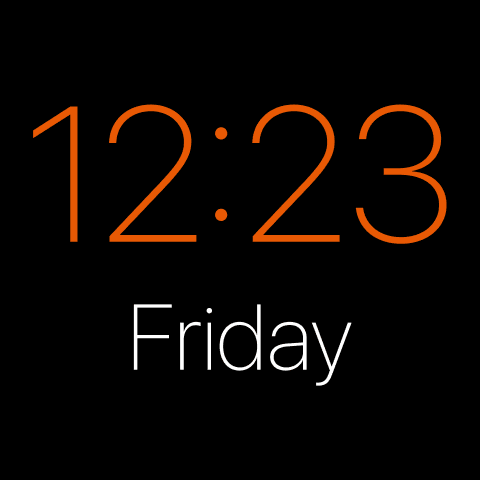
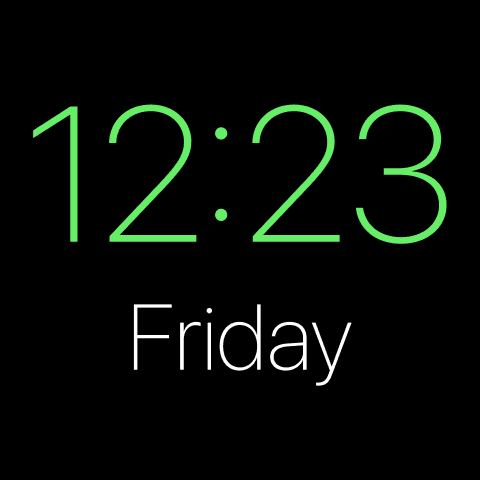
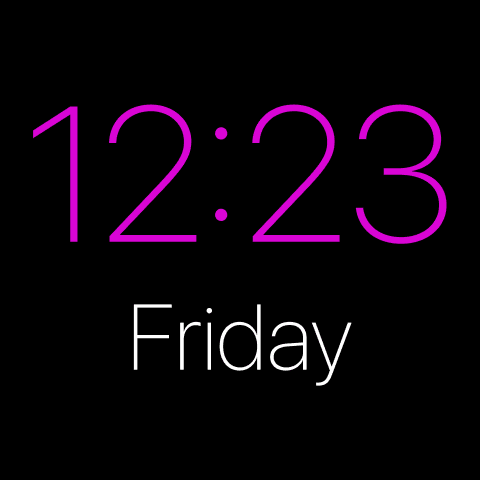
Muted palettes
Beige, mono, and soft pastel color sets designed to reduce visual noise.
Generous spacing
Layouts that breathe, so everything stays glance-able while driving.
Tasteful type
Clean typography and light weights for an editorial, designed feel.
Do more with less
One or two widgets, perfectly placed, instead of a cluttered grid.
How to add minimal widgets to CarPlay
- Design your minimal widget in CarTheme.
- On your iPhone, open Settings → General → CarPlay and select your car.
- Tap Widgets → Add Widget and choose your CarTheme widget.
- Swipe right on the CarPlay screen to see it live.
Minimal widgets — FAQ
What makes a widget “aesthetic”?
Restraint — limited colors, consistent spacing and type, and only the information you actually need. CarTheme’s minimal presets are built to those rules.
Can I keep the whole dashboard minimal?
Yes. Pair minimal widgets with a dark or muted wallpaper and hide unused app icons for a fully clean CarPlay screen.
Do minimal widgets work on my iPhone too?
Yes — the same aesthetic widgets work on your iPhone home screen for a matching look.
Related widgets
Ready to upgrade your dashboard?
Download CarTheme and set up your first widget, theme and startup sound in under two minutes.
Download on theApp Store