 CarTheme
Weather Widgets for CarPlay
Knowing whether you’re about to drive into rain, fog or a heatwave changes how you drive — and it’s exactly the kind of information that belongs on a glance-able dashboard rather than buried behind an app. A weather widget puts current conditions and the day’s forecast right beside your navigation.
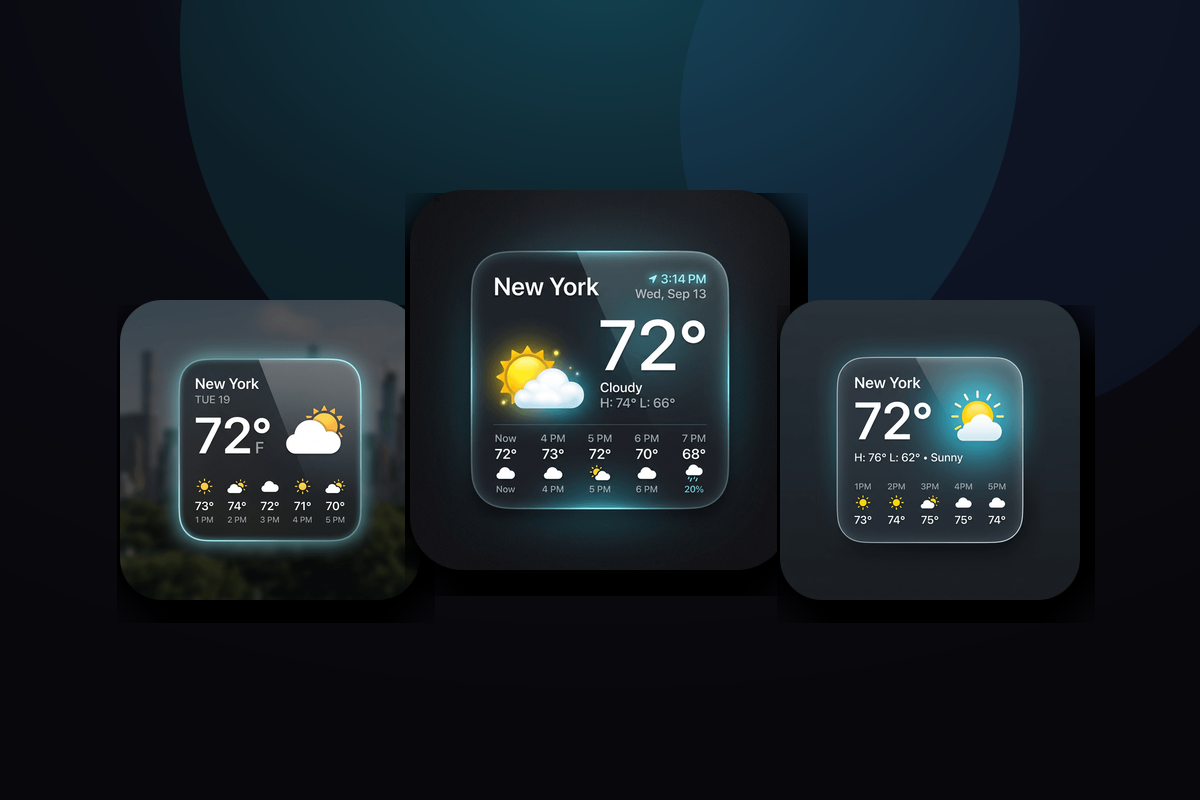
CarTheme’s weather widgets range from a simple current-conditions tile to an hourly strip and a full multi-day forecast. Choose the density you want, then style it to match your theme — animated-style condition icons, your accent color, and a background that fits day or night driving.
Weather widget styles
A few looks you can create — or start from and make your own.
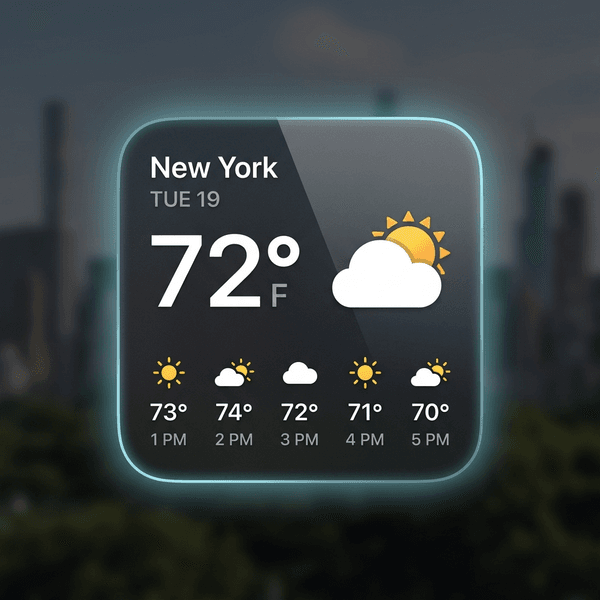
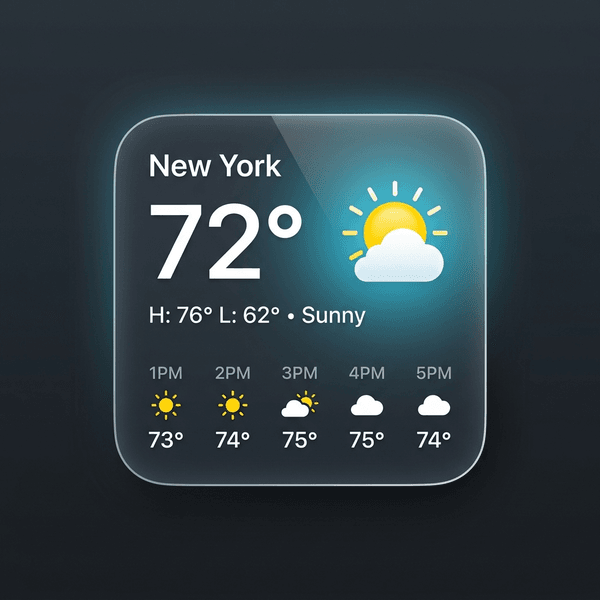
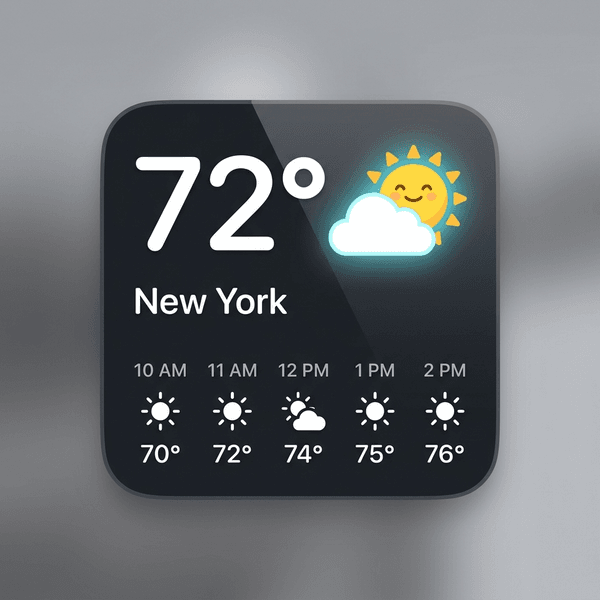
Current conditions
Temperature, condition and feels-like in one clean tile.
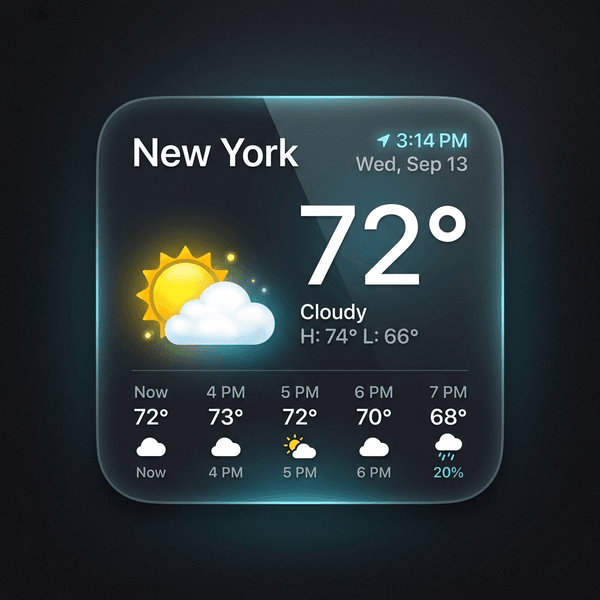
Hourly strip
A horizontal forecast for the next several hours — plan your drive around the rain.
Daily outlook
A multi-day forecast card for the week ahead.
Themed icons
Condition icons styled to match the rest of your dashboard.
How to add weather widgets to CarPlay
- Design your weather widget in CarTheme.
- On your iPhone, open Settings → General → CarPlay and select your car.
- Tap Widgets → Add Widget and choose your CarTheme widget.
- Swipe right on the CarPlay screen to see it live.
Weather widgets — FAQ
Where does the weather data come from?
The widget uses your iPhone’s location and weather services to show the forecast for where you are.
Does it need location access?
For local weather, yes — you can grant location access to keep the forecast accurate as you travel, or pin a fixed city.
Will it work on CarPlay and my phone?
Yes. The same weather widget can be added to CarPlay and to your iPhone home screen.
Related widgets
Ready to upgrade your dashboard?
Download CarTheme and set up your first widget, theme and startup sound in under two minutes.
Download on theApp Store