 CarTheme
Music Player Widgets for CarPlay
Music is why a lot of people love CarPlay in the first place, so the now-playing widget deserves to look better than a default gray box. A well-designed player widget turns album art into the centerpiece of your dashboard and keeps the controls you actually use within thumb reach.
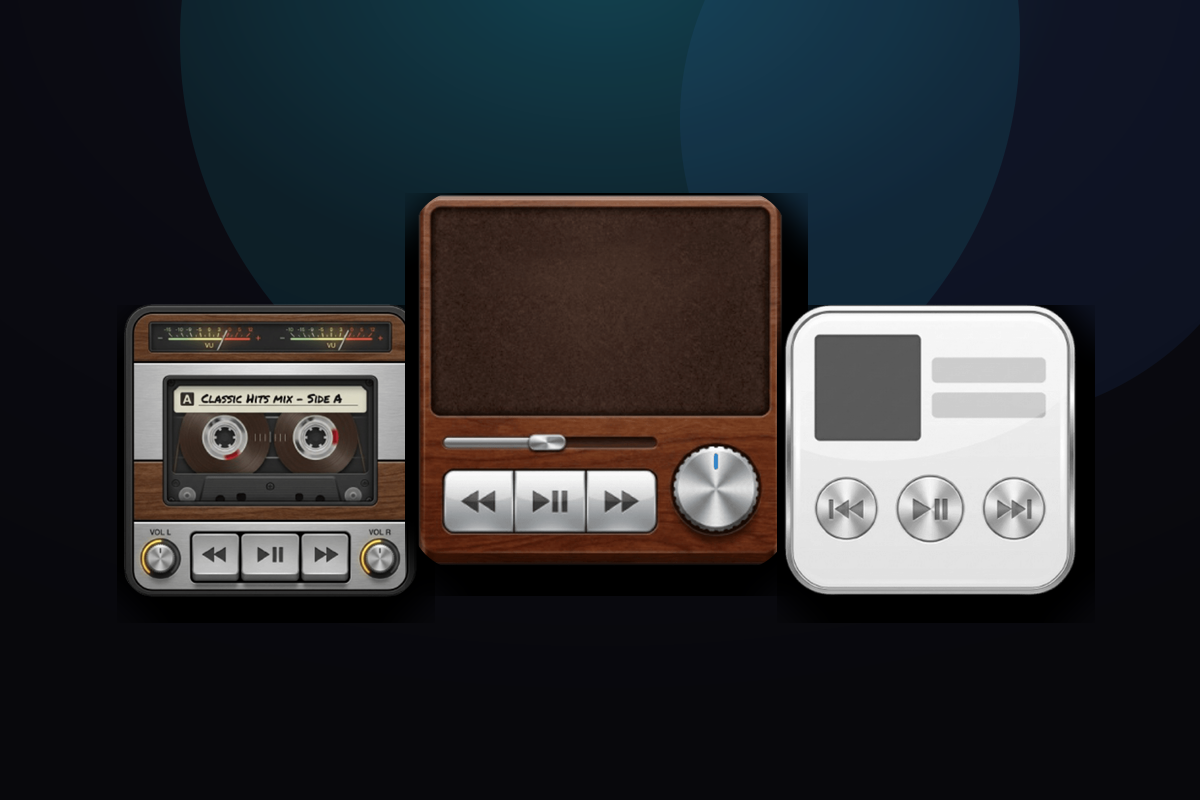
CarTheme’s player widgets work with whatever audio app is playing — Apple Music, Spotify, podcasts, audiobooks — and let you choose the layout: art-forward, minimal controls, or a full transport bar. Style the accent color to pull from your album art or your theme, and keep the vibe consistent across your whole screen.
Music Player widget styles
A few looks you can create — or start from and make your own.

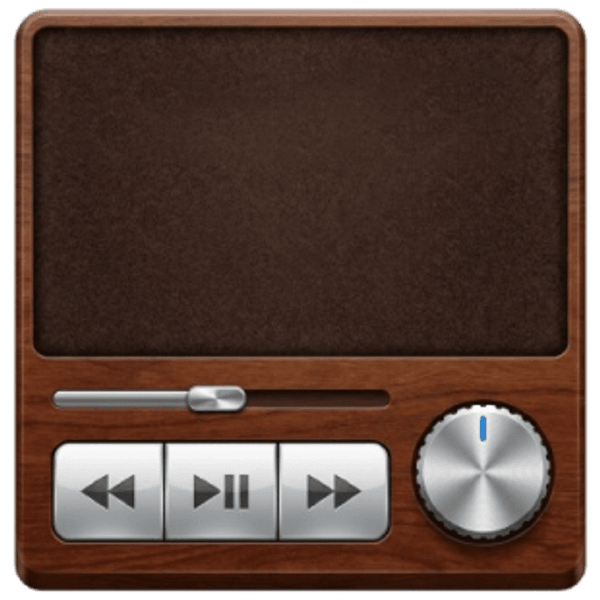

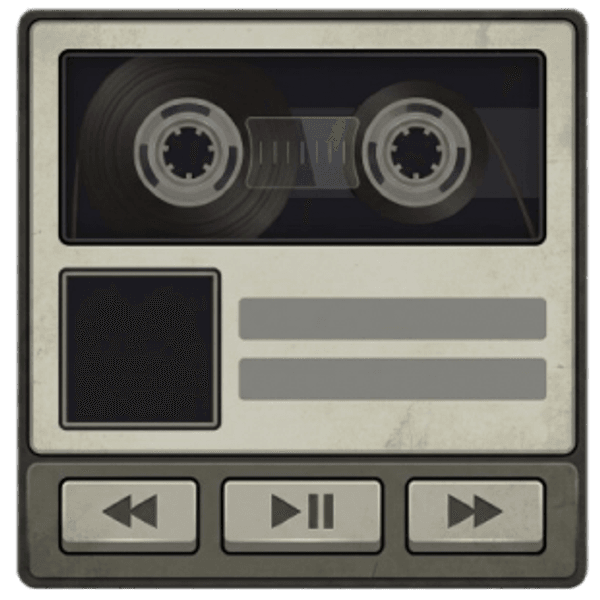
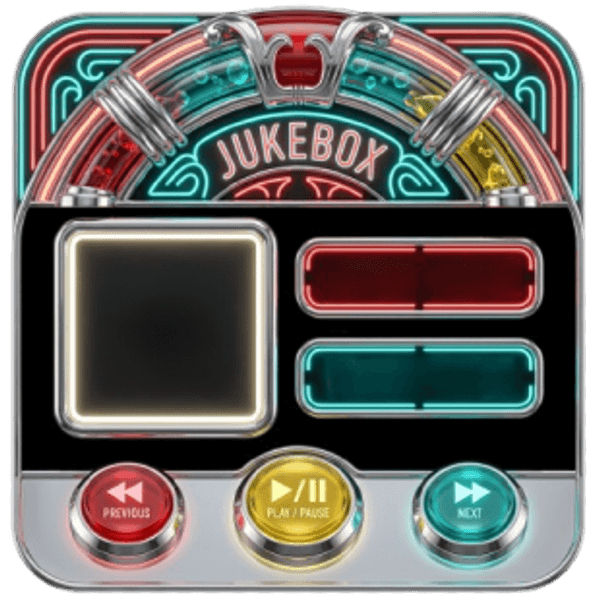
Art-forward layout
Big album artwork as the hero of the widget, with subtle controls.
Works with any app
Mirrors the active audio source — music, podcasts or audiobooks.
Minimal controls
A stripped-back play/skip layout for a clean, uncluttered dashboard.
Accent matching
Tint the controls to match your theme or the current cover art.
How to add music player widgets to CarPlay
- Design your music player widget in CarTheme.
- On your iPhone, open Settings → General → CarPlay and select your car.
- Tap Widgets → Add Widget and choose your CarTheme widget.
- Swipe right on the CarPlay screen to see it live.
Music Player widgets — FAQ
Does the player widget control Spotify?
It reflects and controls whatever app currently holds audio focus, including Spotify, as long as that app is playing through your iPhone.
Can I show large album art on CarPlay?
Yes — the art-forward layout is designed to make cover art the centerpiece of the widget on the CarPlay screen.
Is this a replacement for the music app?
No — it’s a glance-and-control widget that sits on your dashboard alongside your map; you still play from your music app.
Related widgets
Ready to upgrade your dashboard?
Download CarTheme and set up your first widget, theme and startup sound in under two minutes.
Download on theApp Store