 CarTheme
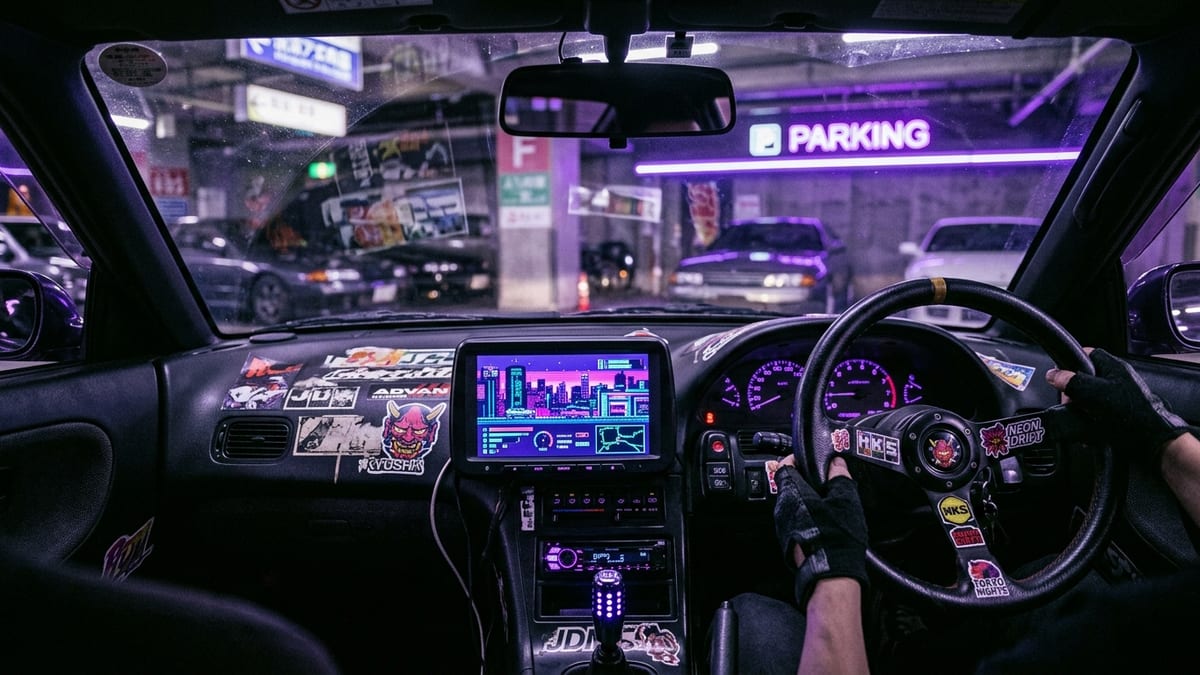
JDM Startup Sounds for CarPlay
8-bit, glitch & tuner energy
4 sounds · free previews below
The sounds
How to set it as your startup sound
- Download CarTheme from the App Store.
- Open the Sounds tab, preview the JDM collection and pick your favorite.
- Tap Set as Startup Sound — it plays automatically the next time CarPlay connects.
JDM startup sounds — FAQ
What is a JDM startup sound?
It is a short audio clip inspired by Japanese performance cars — turbo noises, rotary idles, high-rpm engine notes — that plays automatically when your iPhone connects to CarPlay.
Can I use my own recording of my car?
Yes. Import any MP3 or M4A into CarTheme and your actual exhaust note can become your startup sound.
Do the sounds work with aftermarket CarPlay head units?
Yes. Any head unit with CarPlay support — factory or aftermarket — will play the sound on connection.
More collections
About JDM startup sounds
The golden era of Japanese performance cars did not just give us legendary machines — it gave us a whole audio dictionary. Turbo flutter. Blow-off whoosh. The 9,000 rpm scream of a naturally aspirated four. The impossible brap of a rotary. If you grew up on midnight touge videos and gray-market imports, these sounds are burned into your brain.
CarTheme’s JDM collection turns that nostalgia into your daily CarPlay greeting. Every clip channels the 90s-to-2000s hero-car era: sequential turbo spool, dogbox whine, cold idle with lumpy cams. Set one as your connection sound and your boring commuter gains instant Kanjo energy the moment your phone pairs.
Ready to upgrade your dashboard?
Download CarTheme and set up your first widget, theme and startup sound in under two minutes.
Download on theApp Store