 CarTheme
CarPlay Game, Quiz & Counter Widgets
A dashboard doesn’t have to be all business. CarTheme’s interactive widgets turn the CarPlay screen into a little playground: a Car Quiz that tests how well your passengers know their motors, a Movie Quiz for the drive-in crowd, and countdown counters ticking down to the next road trip, holiday or big day.
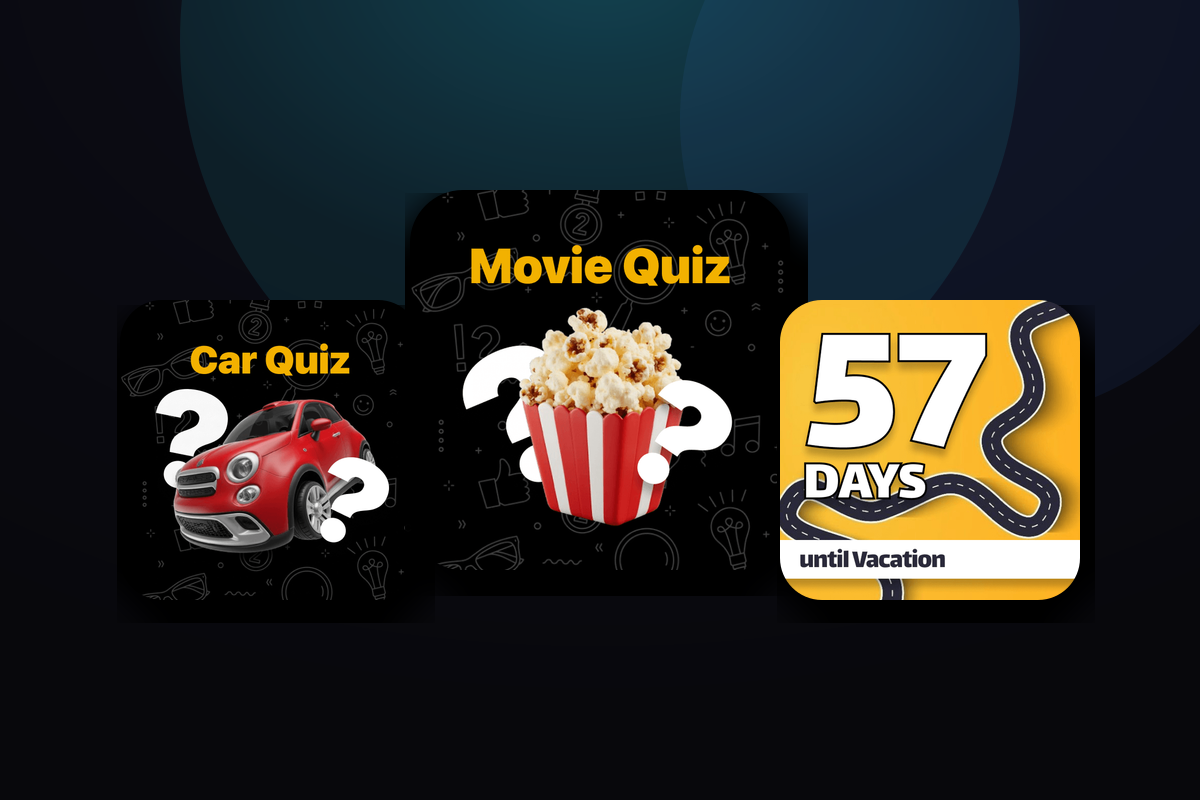
The counters double as game scoreboards. Running a classic road-trip game — spot-the-plate, count the red cars, who-sees-the-sea-first — set a counter as the tally and let the numbers climb: 0-1, 2-3, and on. It’s the simplest way to keep the back seat entertained, and it lives right on the big screen instead of a phone passed around the car.
Games widget styles
A few looks you can create — or start from and make your own.
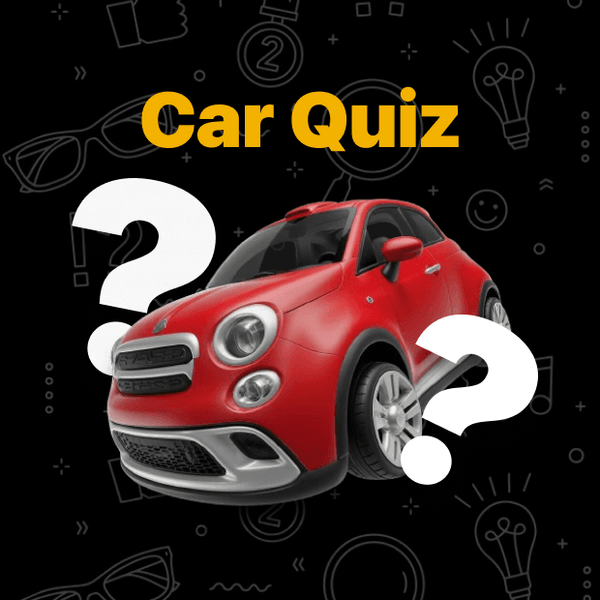


Car & Movie quizzes
Trivia widgets that turn a parked wait or a passenger challenge into a quick game.
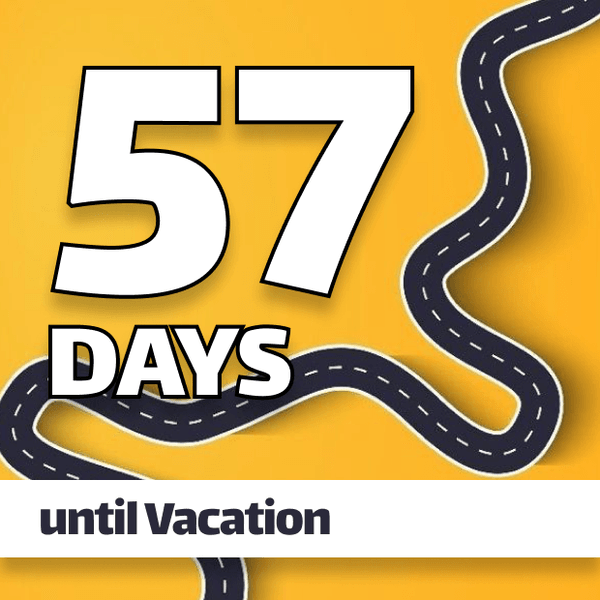
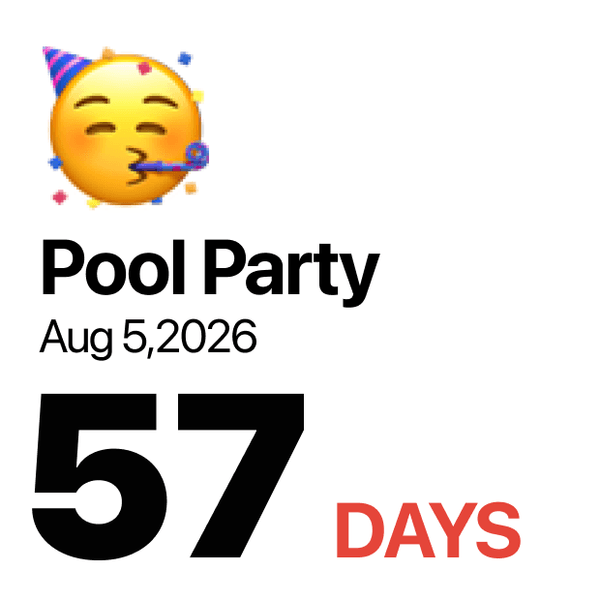
Countdown counters
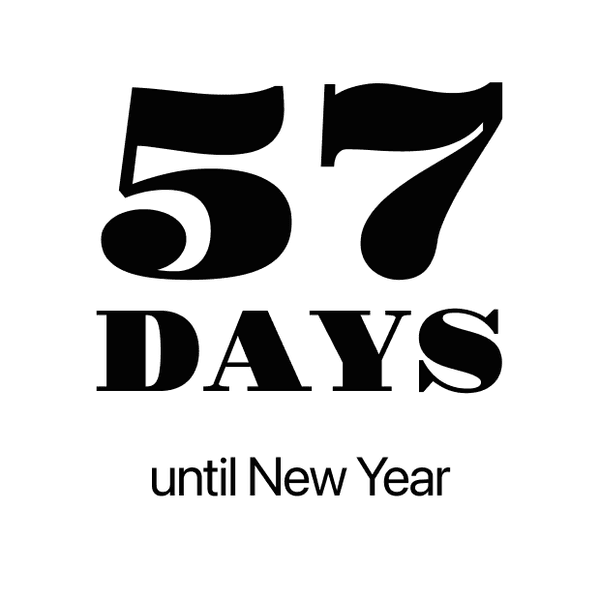
Days-until widgets for holidays, trips and events — flip-clock, bold and playful styles.
Road-trip scoreboards
Use a counter as a live tally for classic car games — keep score 0-1, 2-3, right on the dashboard.
Parked-safe play
Interactive quizzes are built for when the car is stopped; counters just glance, any time.
How to add games widgets to CarPlay
- Design your games widget in CarTheme.
- On your iPhone, open Settings → General → CarPlay and select your car.
- Tap Widgets → Add Widget and choose your CarTheme widget.
- Swipe right on the CarPlay screen to see it live.
Games widgets — FAQ
What game widgets does CarTheme have?
Car Quiz and Movie Quiz trivia widgets, plus countdown counters you can repurpose as scoreboards for road-trip games. More interactive widgets are added over time.
Can I play quizzes while driving?
For safety, CarPlay restricts interactive content to when the vehicle is parked, so quizzes are best for passengers or stops. Counters are glanceable and fine any time.
How do the counter widgets work as a game?
Set a countdown/counter widget to track any tally — points in a car game, sightings, or days until a trip — and it displays the running number big on the dashboard.
Related widgets
Ready to upgrade your dashboard?
Download CarTheme and set up your first widget, theme and startup sound in under two minutes.
Download on theApp Store