 CarTheme
Calendar Widgets for CarPlay
The most useful thing a screen can tell you before you drive off is where you are supposed to be next. A calendar widget on your CarPlay dashboard turns that into a glance: your next meeting, the time until it starts, and the day’s agenda, right next to the map — no unlocking your phone at a red light.
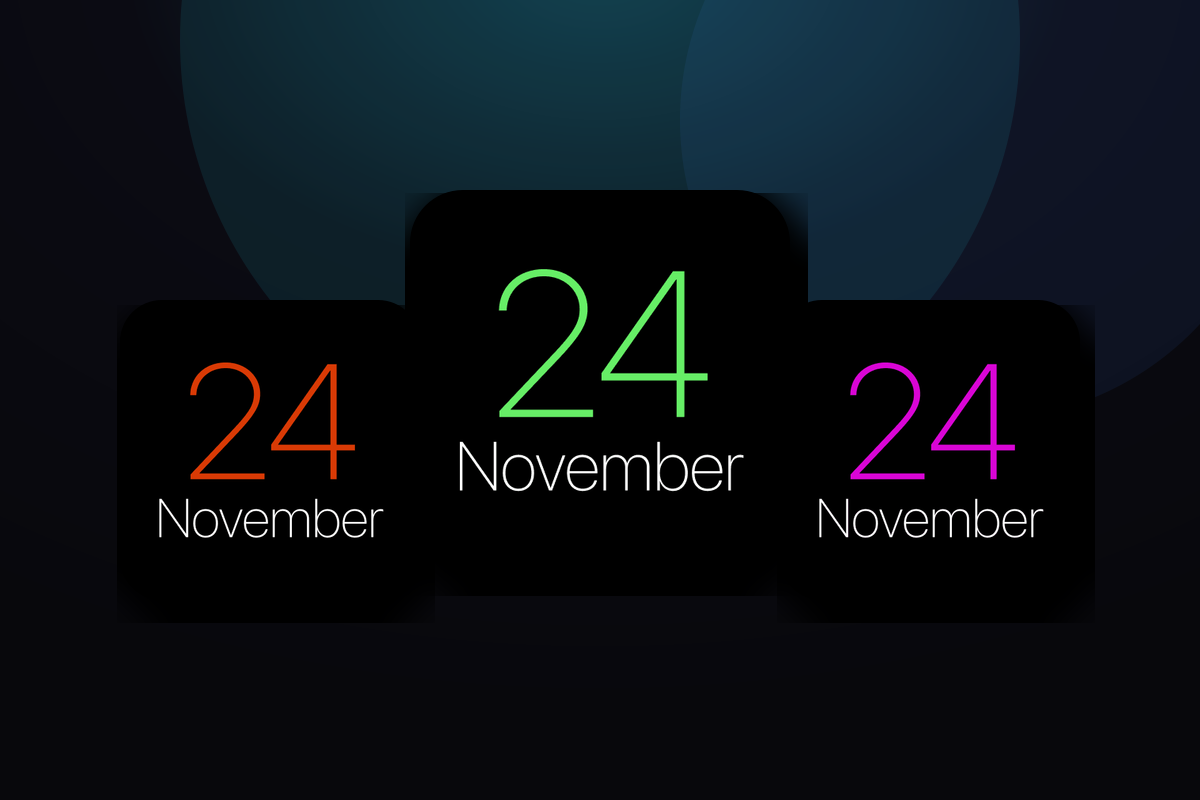
CarTheme lets you design calendar widgets that actually match your car instead of Apple’s one-size-fits-all block. Pick the layout — single next event, full day agenda, or a clean month grid — then set colors, fonts and background to fit your theme. The same widget works on your iPhone home screen, so your phone and your dashboard stay in sync.
Calendar widget styles
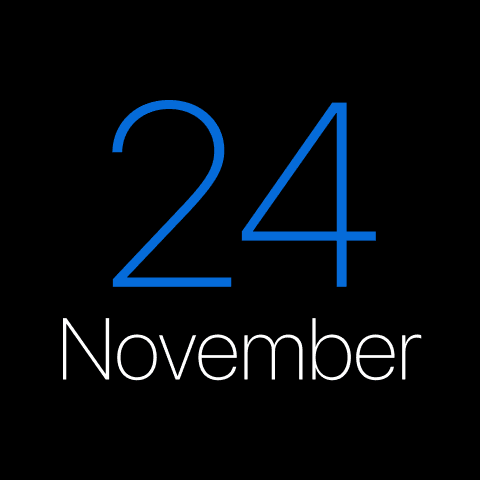
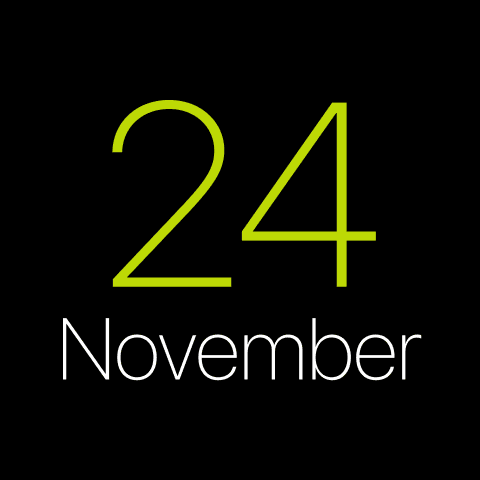
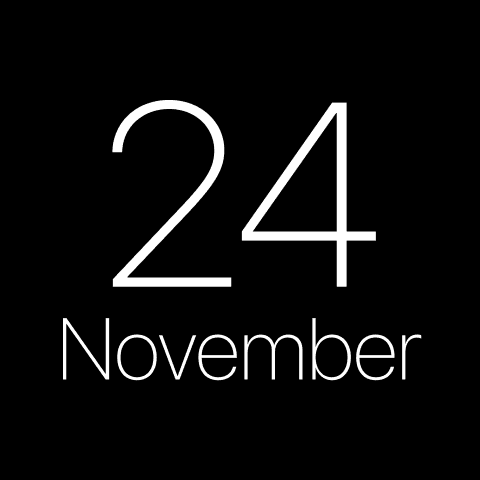
A few looks you can create — or start from and make your own.
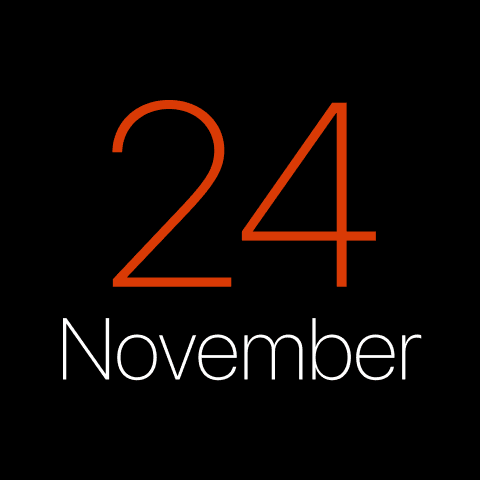
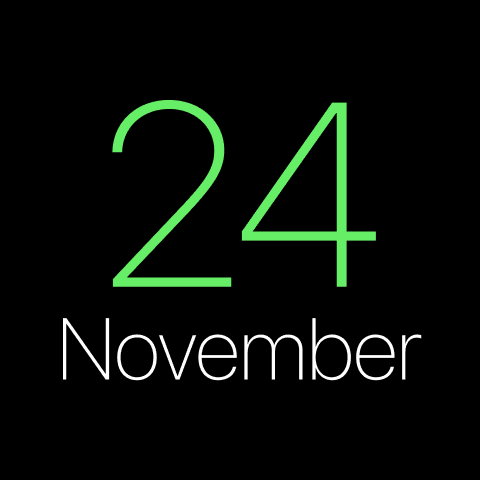
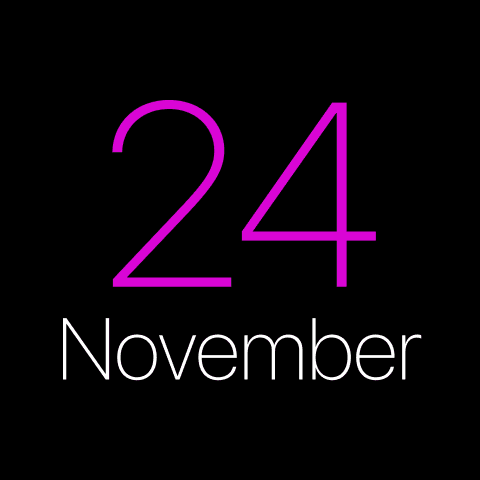
Next-event view
A big, glanceable card showing your upcoming event and a live countdown to it.
Full-day agenda
A scrolling list of everything on today, sized for quick reading in the car.
Month grid
A compact calendar grid for drivers who like to see the whole month at once.
Themed to match
Colors, fonts and backgrounds you control, so the calendar fits your dashboard, not the other way around.
How to add calendar widgets to CarPlay
- Design your calendar widget in CarTheme.
- On your iPhone, open Settings → General → CarPlay and select your car.
- Tap Widgets → Add Widget and choose your CarTheme widget.
- Swipe right on the CarPlay screen to see it live.
Calendar widgets — FAQ
Which calendars does the widget show?
It reads from your iPhone’s Calendar app, so any calendar you’ve added there — iCloud, Google, Outlook — can appear in the widget.
Does the calendar widget work on CarPlay?
Yes. Design it in CarTheme, then add it under Settings → General → CarPlay → your car → Widgets. It also works on your iPhone home screen.
Will it update automatically?
Yes. The widget refreshes on the system schedule, so your next event stays current without opening the app.
Related widgets
Ready to upgrade your dashboard?
Download CarTheme and set up your first widget, theme and startup sound in under two minutes.
Download on theApp Store