 CarTheme
Minimalist CarPlay theme
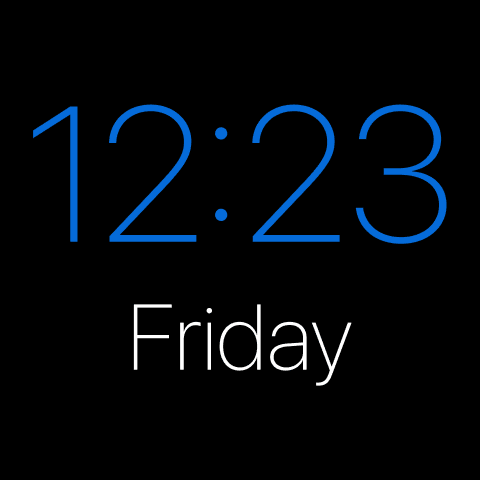
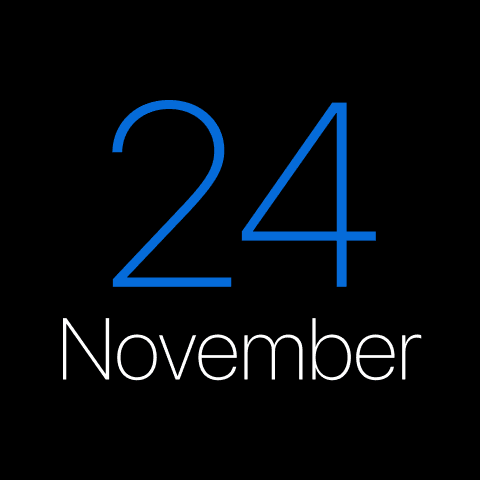
Less, done right. The Minimalist theme strips the dashboard back to what matters — a crisp mono clock, a quiet date, plenty of black space — so the only thing competing with the road is nothing at all.
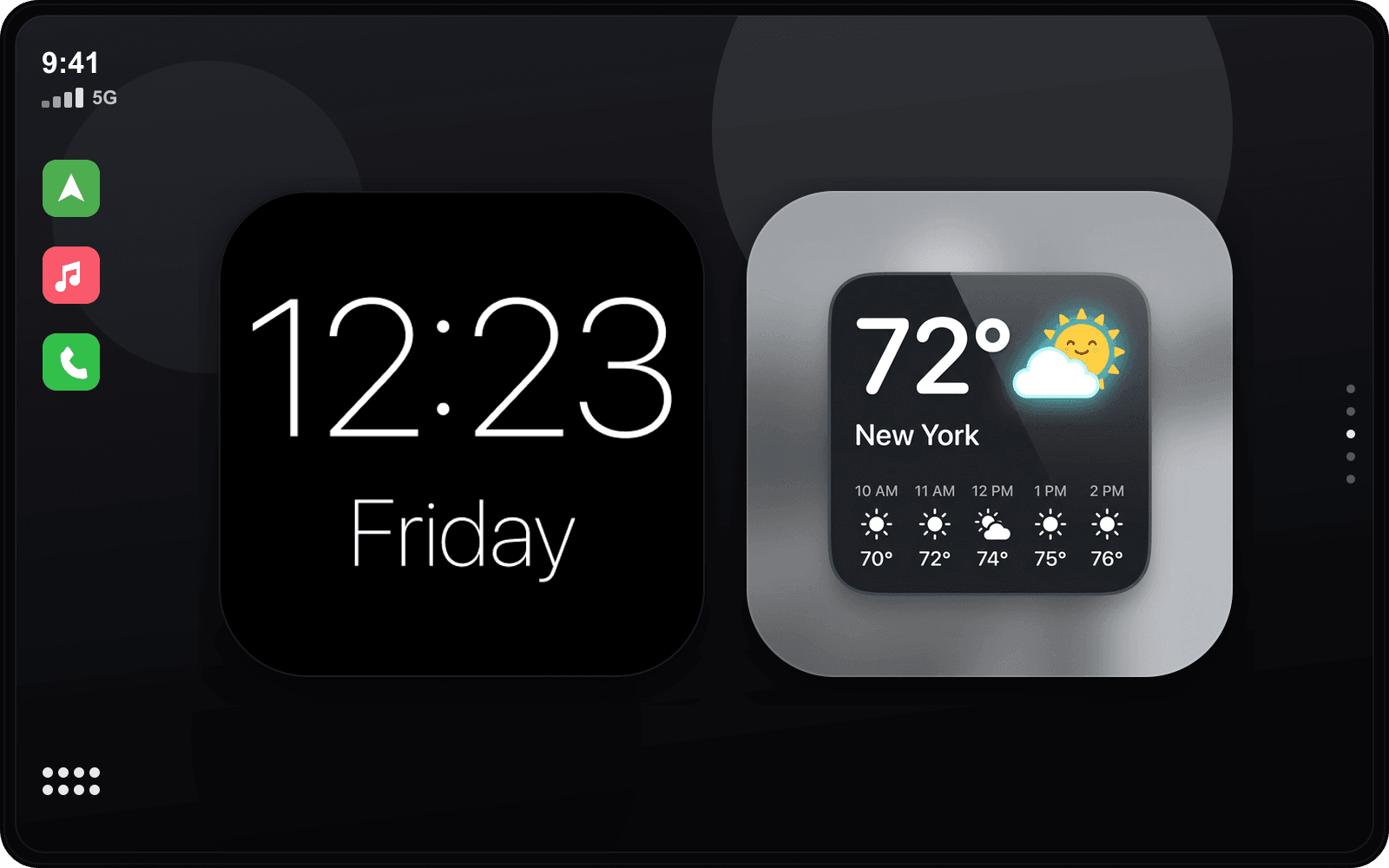
It’s the setup for people who find stock CarPlay too busy. High-contrast type, generous spacing and a single accent make it feel calm at noon and glare-free at night.
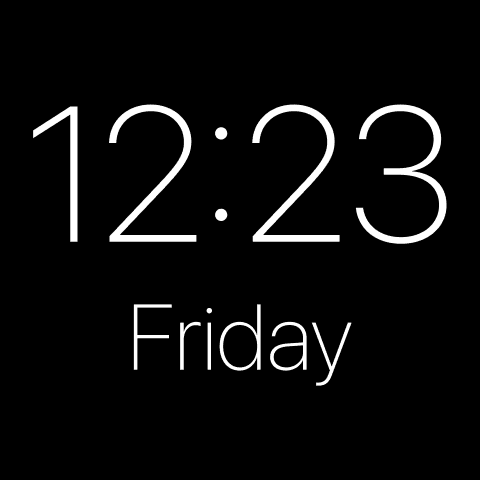
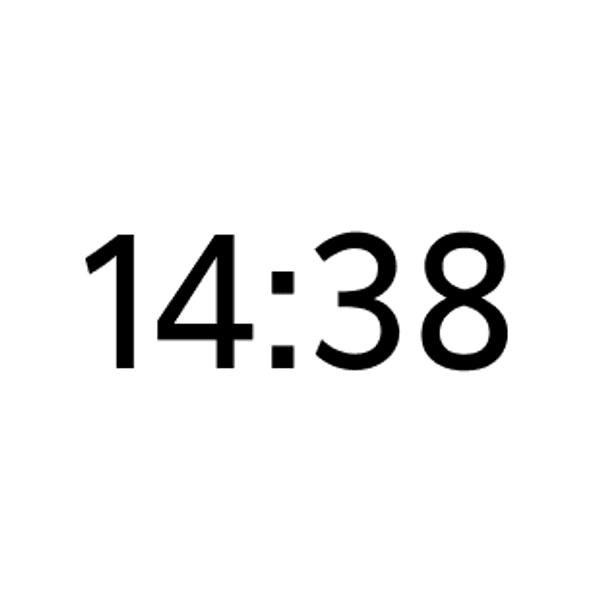
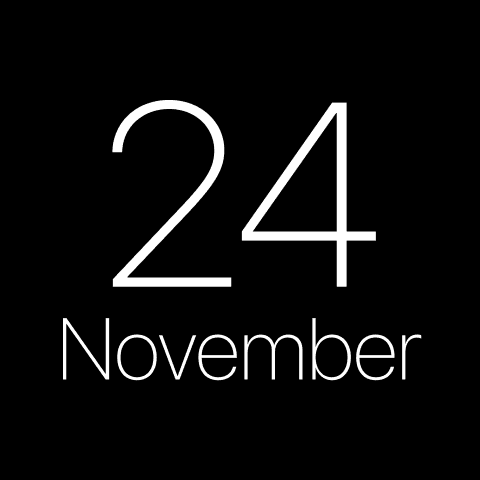
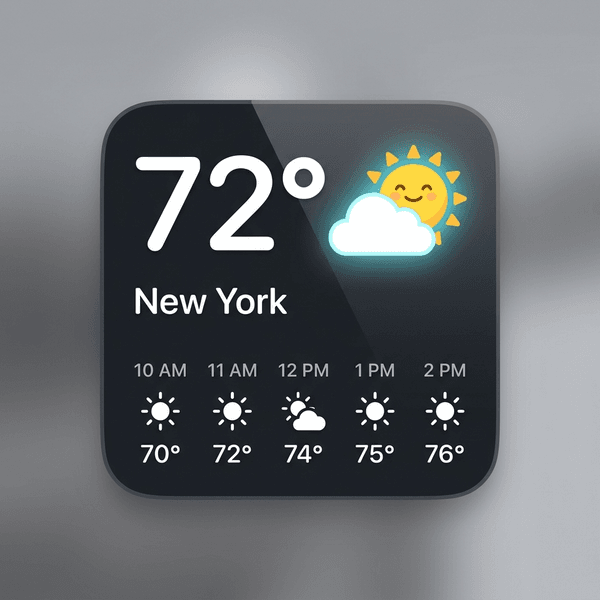
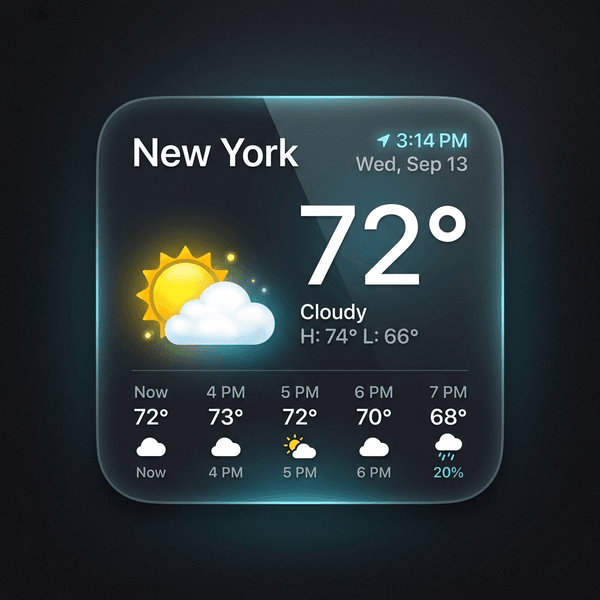
Widgets that fit the Minimalist style
Hand-picked examples from our library — tap any to customize it and make it yours.
Matching startup sound
Luxury Startup Sounds
Get the Minimalist look
- 1
Download CarTheme
Free on the App Store for iOS 26.
- 2
Apply the theme
Pick Minimalist from the theme gallery.
- 3
Add the widgets
Settings → General → CarPlay → Widgets.
- 4
Set the sound
Attach the Luxury startup sound.
More themes
Ready to upgrade your dashboard?
Download CarTheme and set up your first widget, theme and startup sound in under two minutes.
Download on theApp Store