 CarTheme
Luxury Noir CarPlay theme
First class for your dashboard. Luxury Noir goes near-black with a single warm gold accent, elegant serif type and restrained widgets — the automotive equivalent of a quiet, expensive suit.
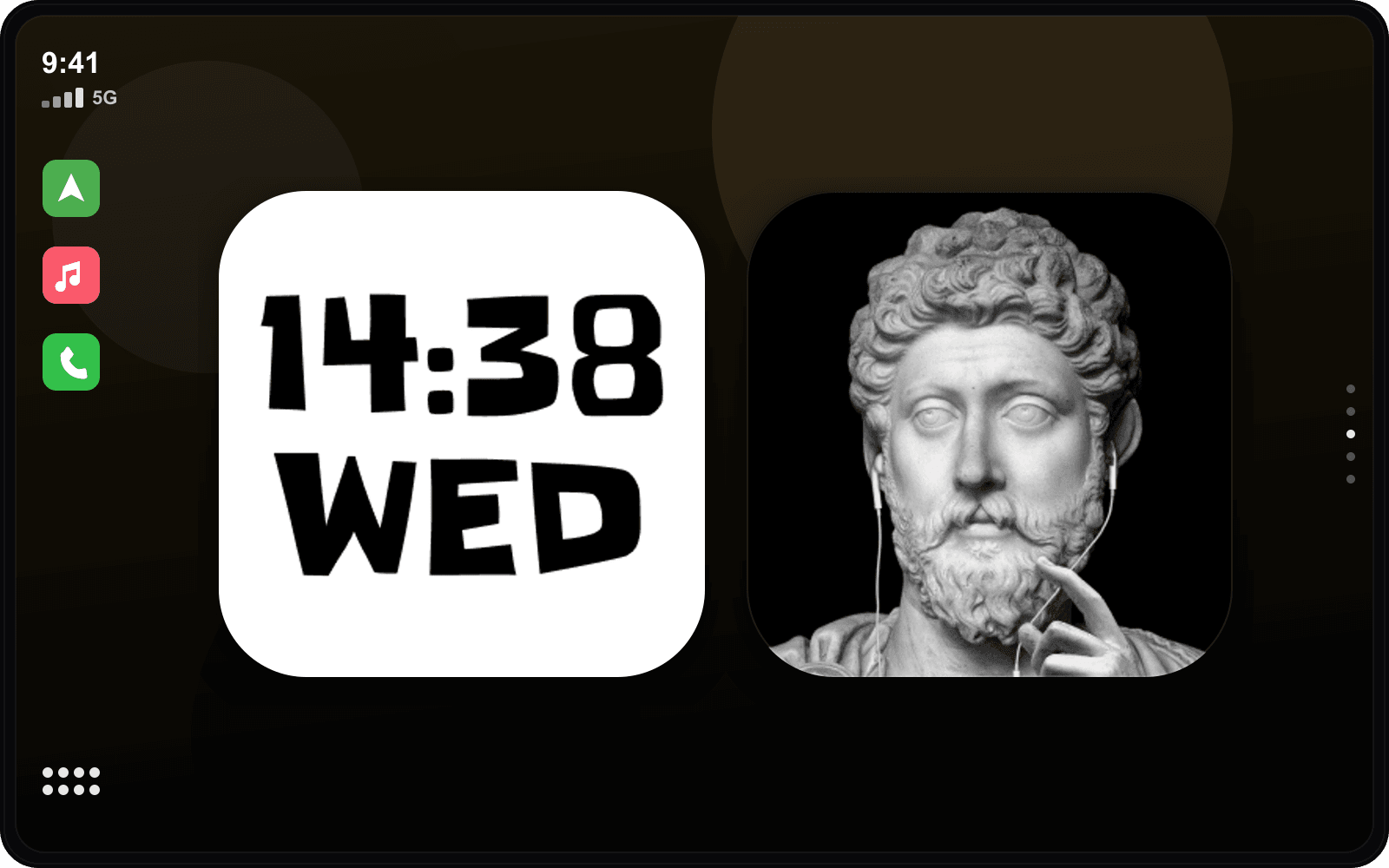
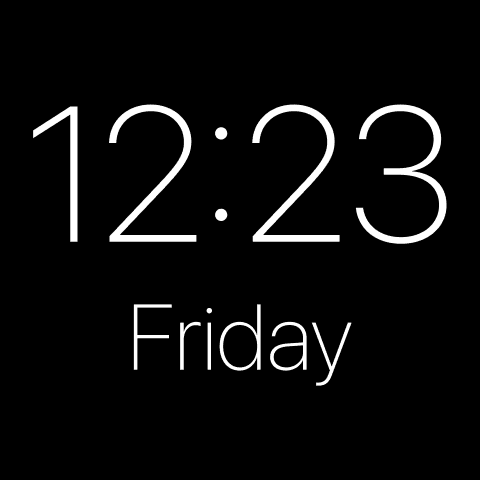
Nothing shouts. A soft gold glow, a refined clock and a considered layout make even an old car feel like a flagship at night.
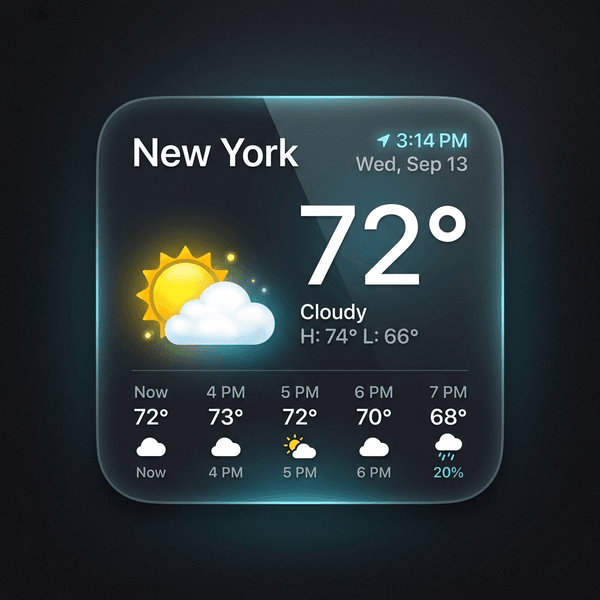
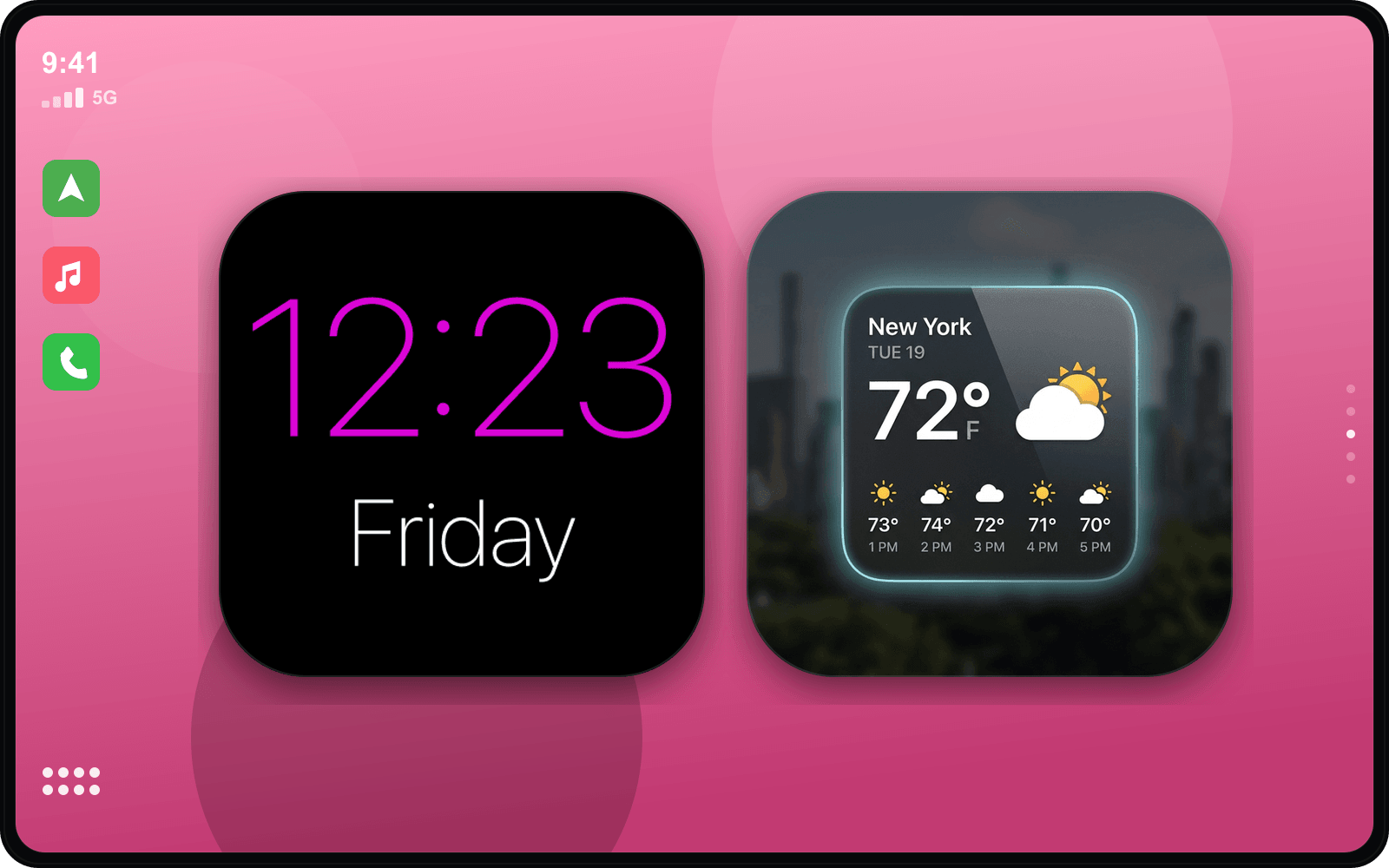
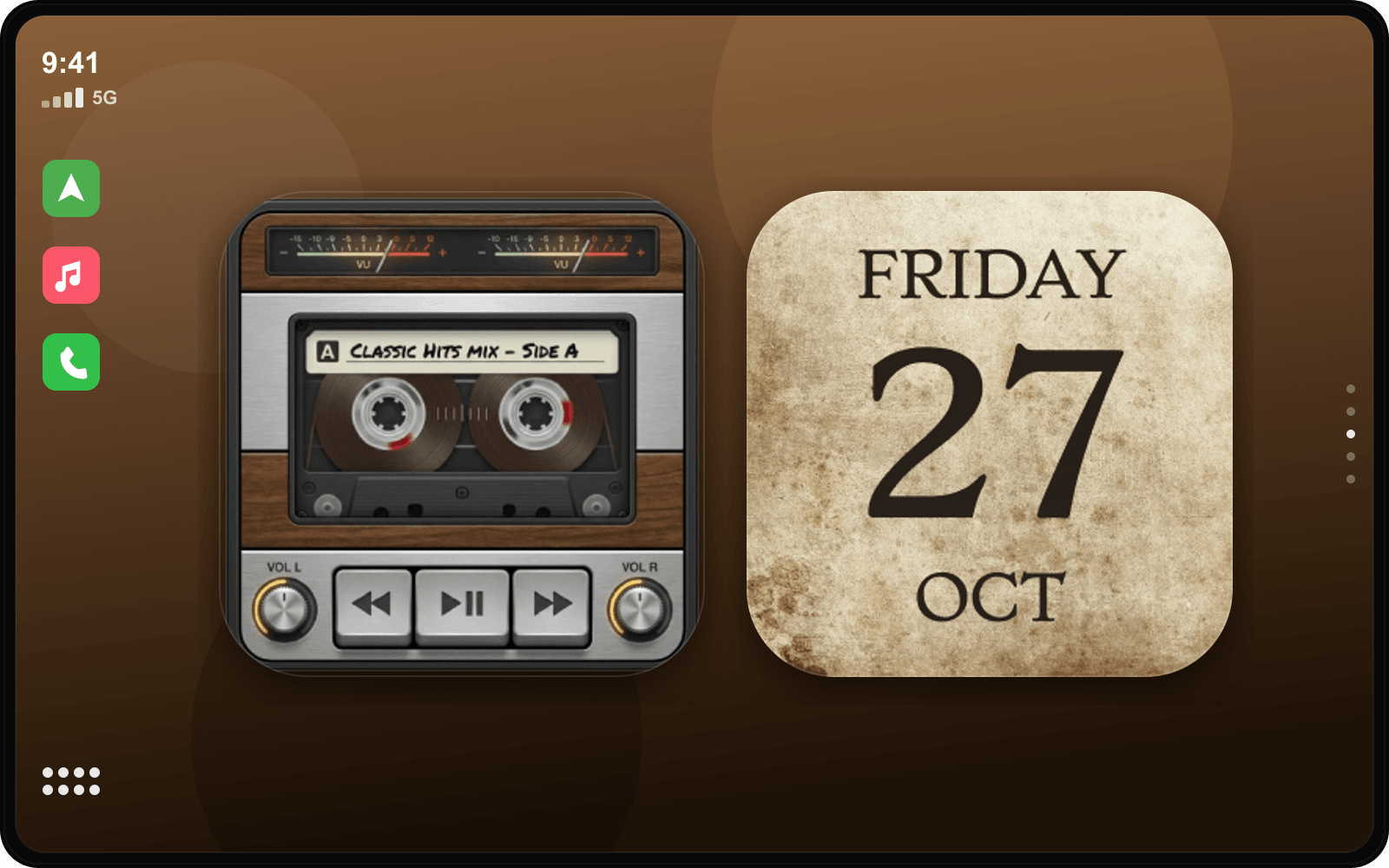
Widgets that fit the Luxury Noir style
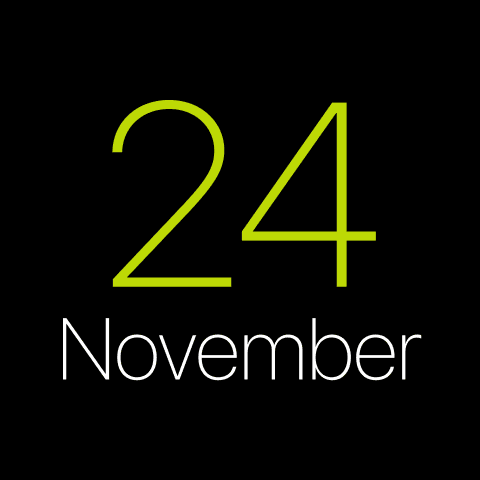
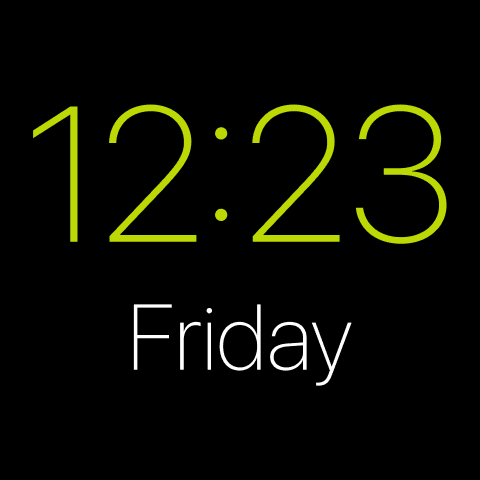
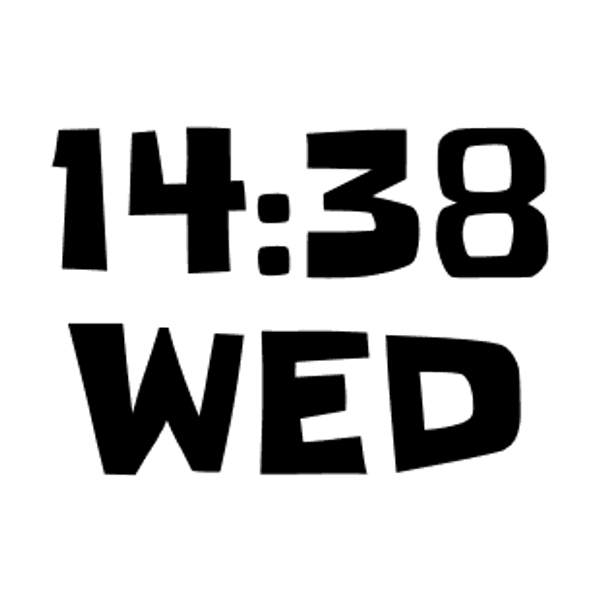
Hand-picked examples from our library — tap any to customize it and make it yours.


Matching startup sound
Luxury Startup Sounds
Get the Luxury Noir look
- 1
Download CarTheme
Free on the App Store for iOS 26.
- 2
Apply the theme
Pick Luxury Noir from the theme gallery.
- 3
Add the widgets
Settings → General → CarPlay → Widgets.
- 4
Set the sound
Attach the Luxury startup sound.
More themes
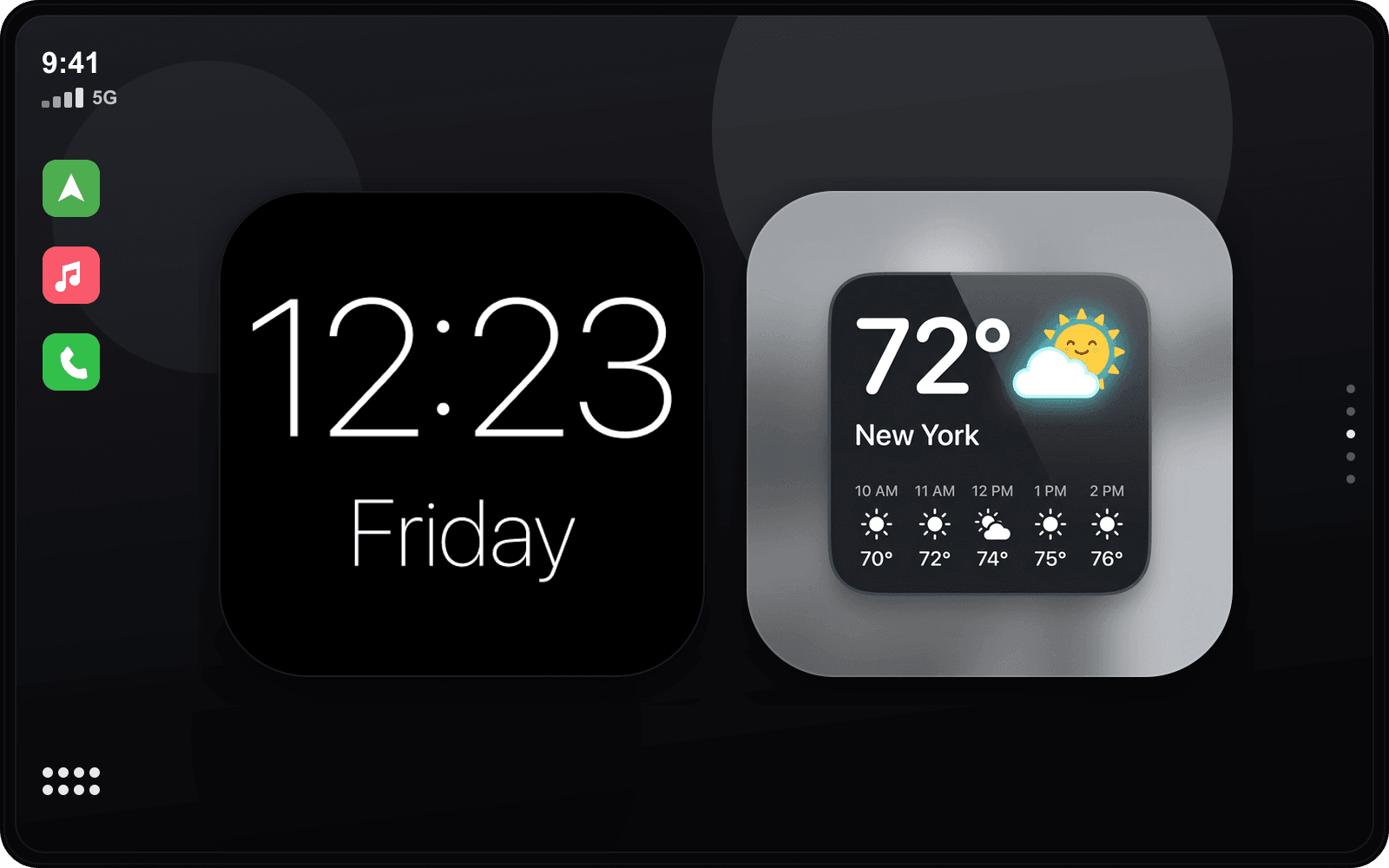
Ready to upgrade your dashboard?
Download CarTheme and set up your first widget, theme and startup sound in under two minutes.
Download on theApp Store