 CarTheme
Motivational Widgets for CarPlay
The commute is prime mental real estate — the few quiet minutes that set the tone for your whole day. A motivational widget uses that moment: a rotating quote, an affirmation, or a daily focus that greets you the second your dashboard lights up.
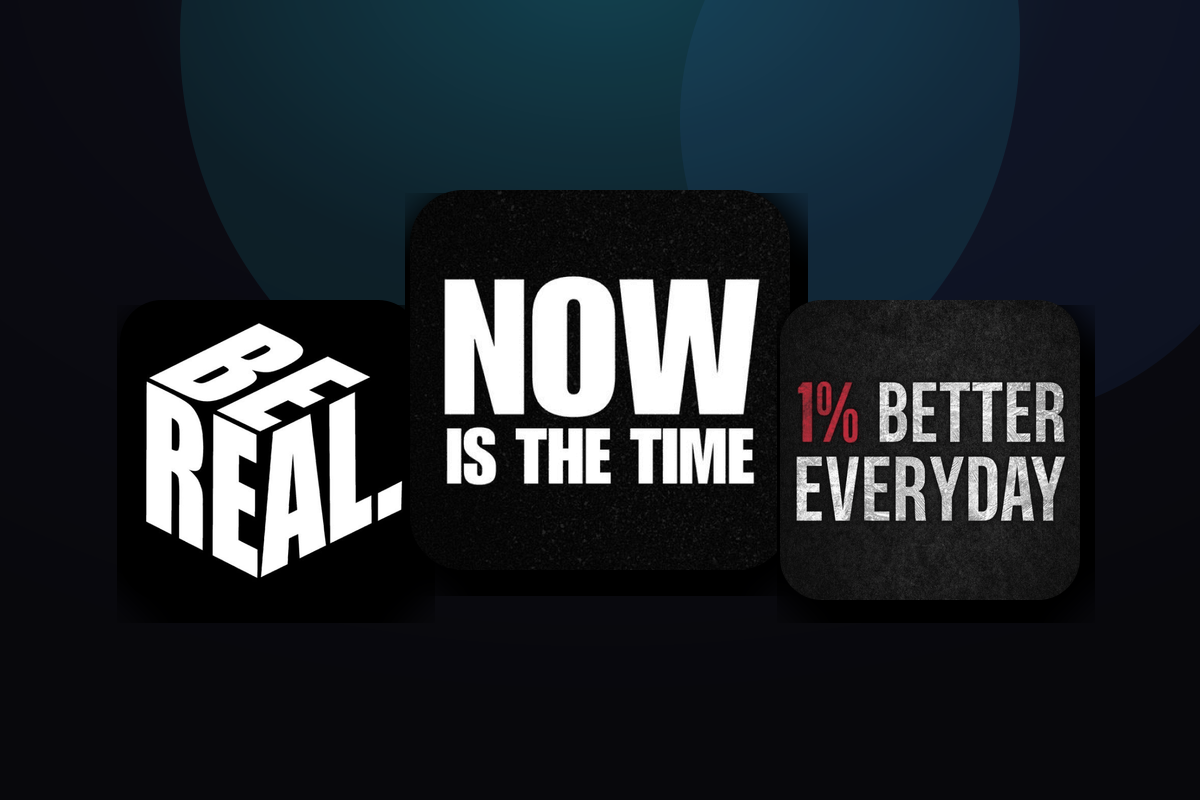
CarTheme’s motivational widgets rotate through curated quote packs — discipline, gratitude, success, calm — or your own custom lines. Style the typography and background to fit your theme, and let your car remind you what you’re driving toward, one great line at a time.
Motivational widget styles
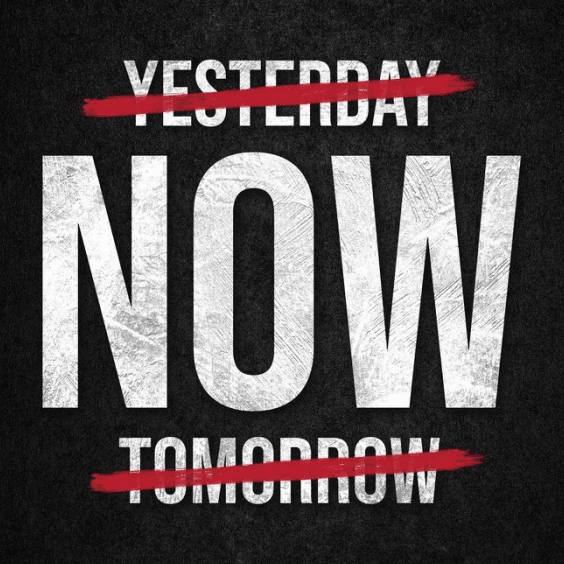
A few looks you can create — or start from and make your own.





Daily rotation
A fresh quote each day, or on every connection — you choose the cadence.
Curated packs
Themed sets: discipline, gratitude, success, calm and more.
Your own quotes
Add custom affirmations or lines that mean something to you.
Typography-first
Beautiful type and backgrounds so the words actually land.
How to add motivational widgets to CarPlay
- Design your motivational widget in CarTheme.
- On your iPhone, open Settings → General → CarPlay and select your car.
- Tap Widgets → Add Widget and choose your CarTheme widget.
- Swipe right on the CarPlay screen to see it live.
Motivational widgets — FAQ
Can I add my own quotes?
Yes. Alongside the curated packs, you can enter your own affirmations and the widget will rotate them in.
How often does the quote change?
You set the cadence — daily, or a new line every time CarPlay connects.
Does it work on the iPhone home screen?
Yes — put the motivational widget on your iPhone home screen so the lift starts before you even reach the car.
Related widgets
Ready to upgrade your dashboard?
Download CarTheme and set up your first widget, theme and startup sound in under two minutes.
Download on theApp Store