 CarTheme
Religious Widgets for CarPlay
For many drivers, faith is part of daily life — and the dashboard is a natural place for a small, steady reminder of it. A religious widget can show a daily verse, the day’s prayer times, or a short reflection, quietly present as you go about your driving.
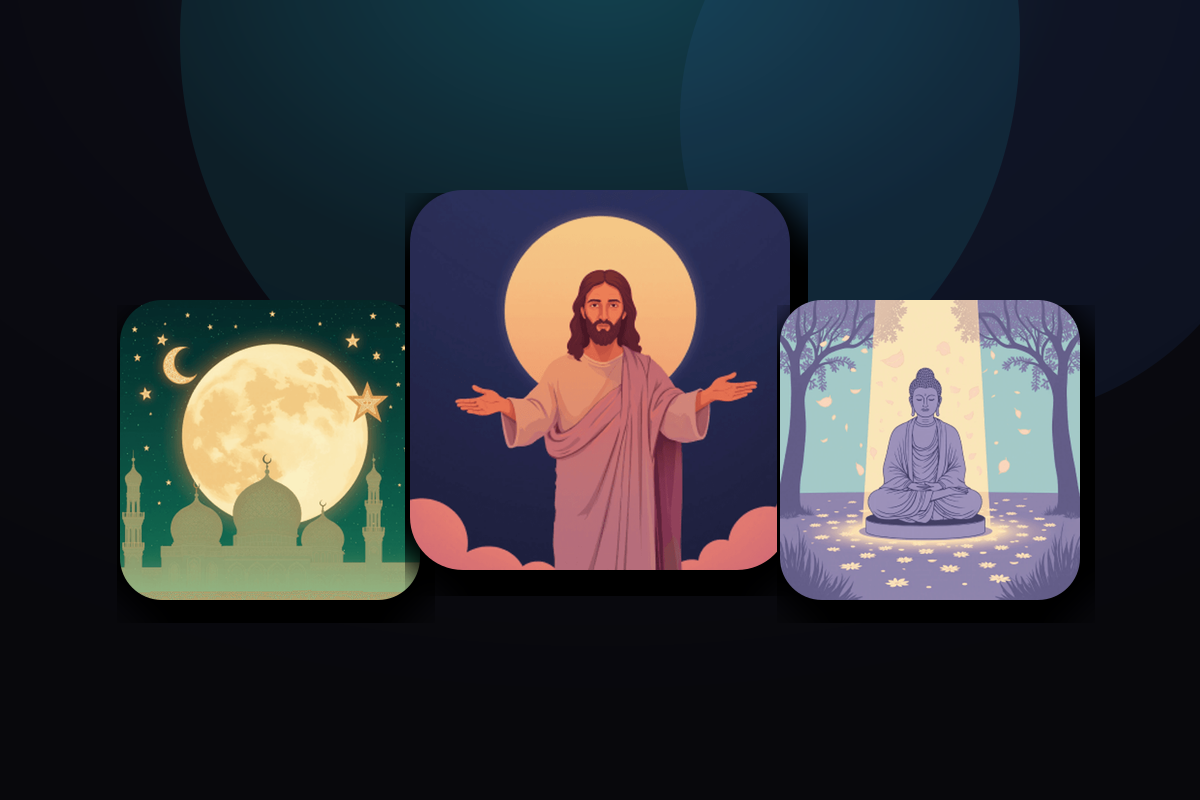
CarTheme’s religious widgets are designed to be respectful and customizable: choose a daily-verse rotation, a prayer-time schedule based on your location, or a simple reminder card. Style the typography and background to sit calmly within your theme. Add your own passages to build a set that’s personal to your practice.
Religious widget styles
A few looks you can create — or start from and make your own.






Daily verse
A rotating passage or reflection that refreshes each day.
Prayer times
Location-based daily times, shown clearly on the dashboard.
Custom passages
Add the verses and reminders that matter most to you.
Calm, respectful design
Restrained typography and backgrounds that fit any theme.
How to add religious widgets to CarPlay
- Design your religious widget in CarTheme.
- On your iPhone, open Settings → General → CarPlay and select your car.
- Tap Widgets → Add Widget and choose your CarTheme widget.
- Swipe right on the CarPlay screen to see it live.
Religious widgets — FAQ
Which faiths are supported?
The widgets are flexible: use daily-verse rotations, prayer-time schedules or custom reminder text to fit your own practice and tradition.
Are prayer times based on my location?
Yes — with location access, prayer-time widgets calculate daily times for where you are.
Can I add my own verses?
Yes. You can enter your own passages and reminders so the widget reflects exactly what you want to see.
Related widgets
Ready to upgrade your dashboard?
Download CarTheme and set up your first widget, theme and startup sound in under two minutes.
Download on theApp Store