 CarTheme
Motivational Widgets
Ânimo diário
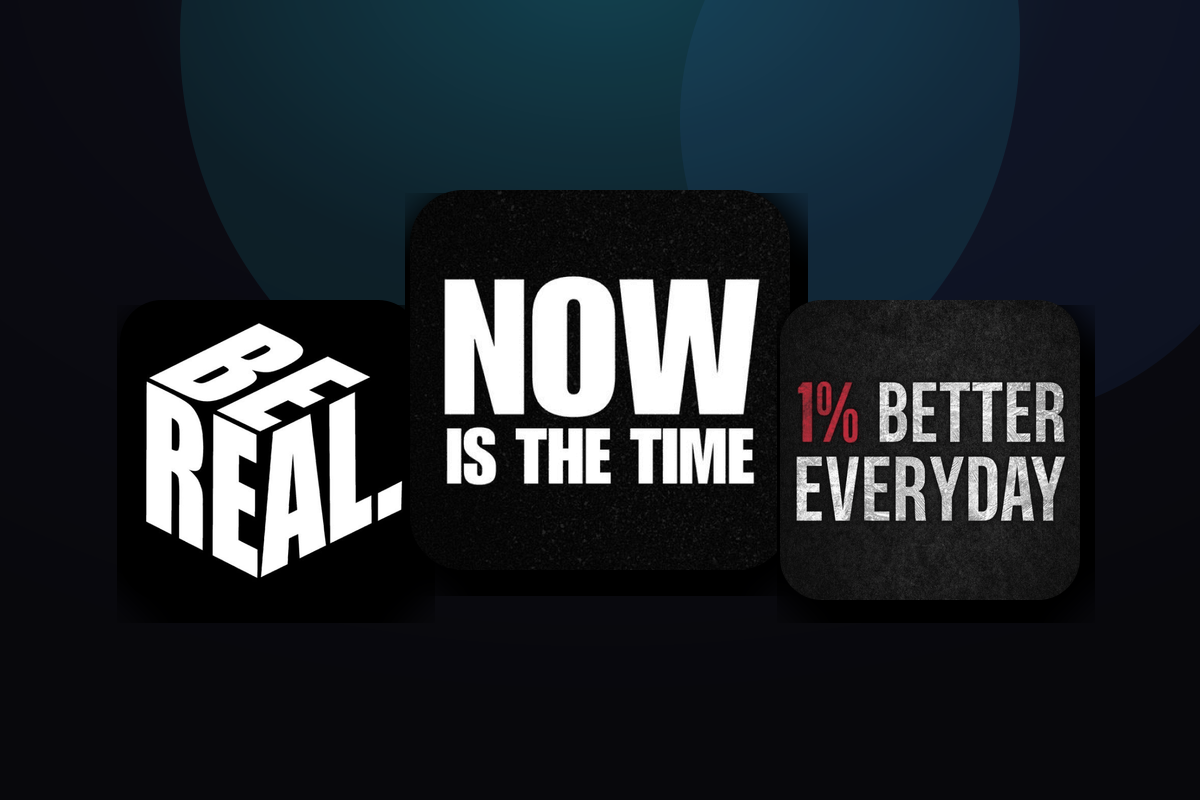
Estilos de widget Motivational
Alguns estilos para criar — ou um ponto de partida para o seu.






Como adicionar widgets Motivational ao CarPlay
- Crie seu widget no CarTheme.
- No iPhone, abra Ajustes → Geral → CarPlay e escolha seu carro.
- Toque em «Widgets → Adicionar widget» e escolha seu widget do CarTheme.
- Deslize para a direita na tela do CarPlay.
Widgets Motivational — perguntas
Funcionam no CarPlay?
Sim. Crie no CarTheme e adicione em Ajustes → Geral → CarPlay → seu carro → Widgets. Também na tela de início do iPhone.
Posso personalizar as cores?
Sim: cores, fundos, fontes e estilos de ícone são ajustáveis para combinar com seu carro.
Atualizam sozinhos?
Sim. Os widgets atualizam pelo sistema, sem abrir o app.
Widgets relacionados
Ready to upgrade your dashboard?
Download CarTheme and set up your first widget, theme and startup sound in under two minutes.
Download on theApp Store