 CarTheme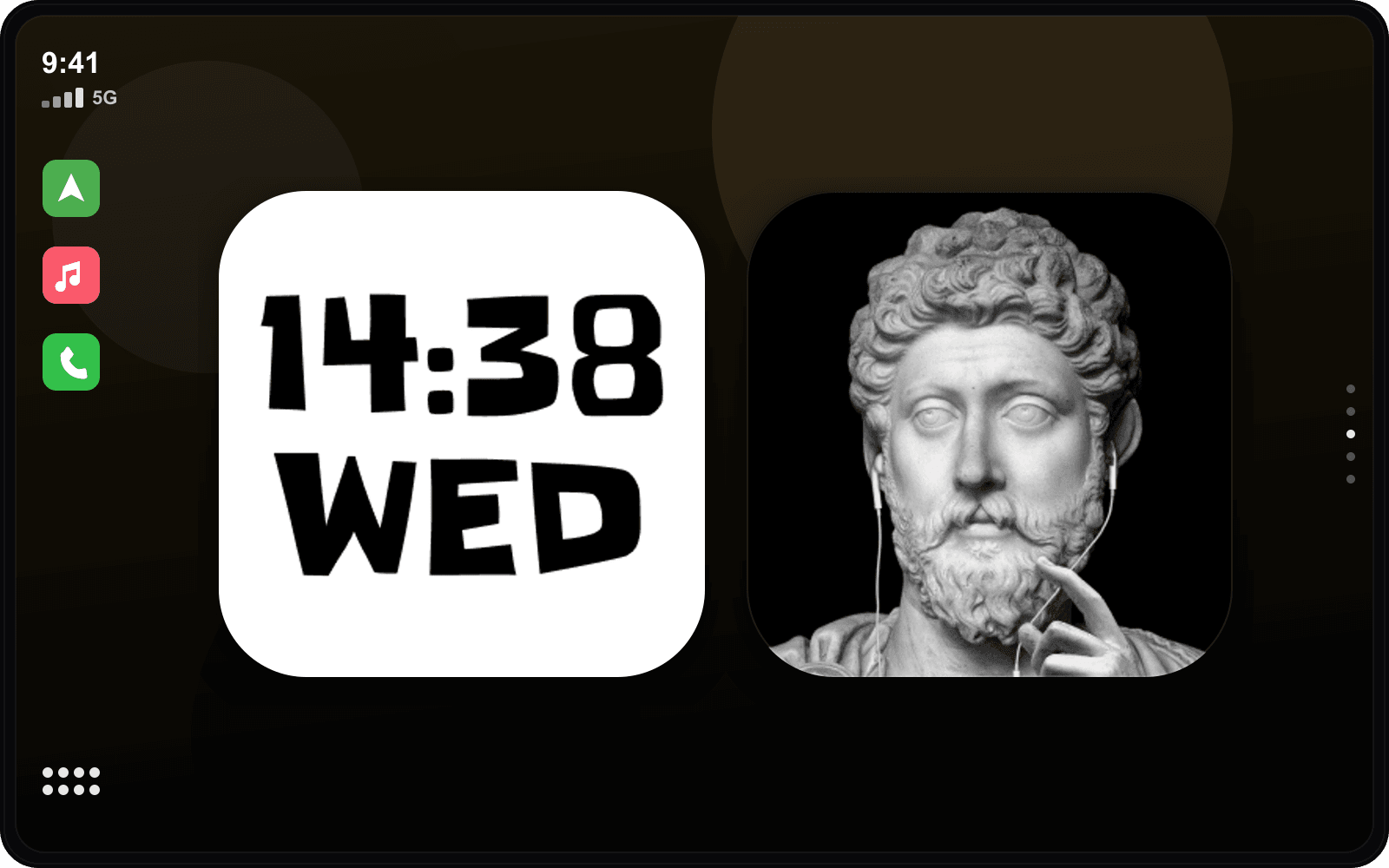
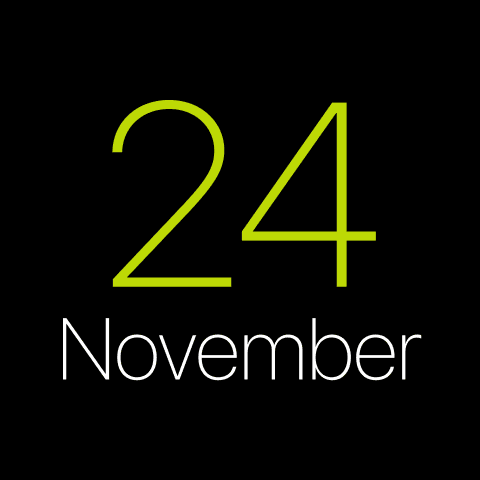
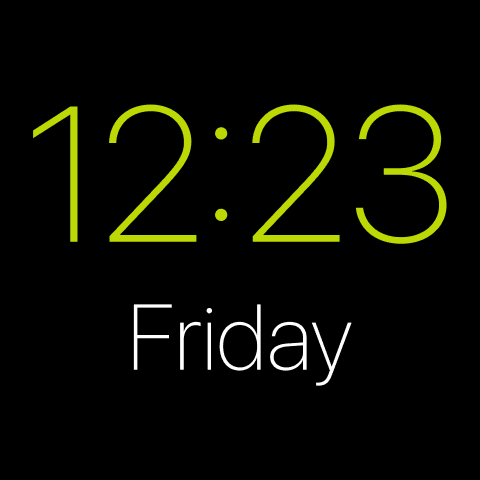
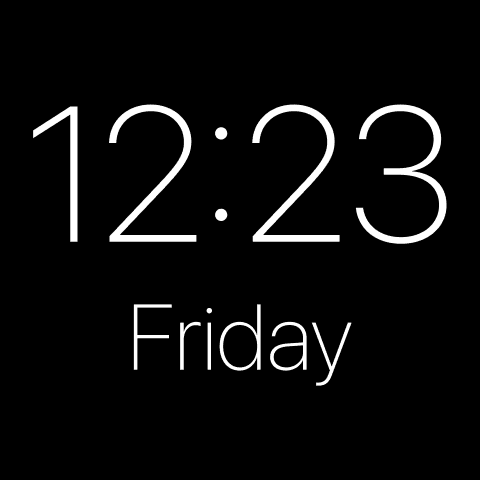
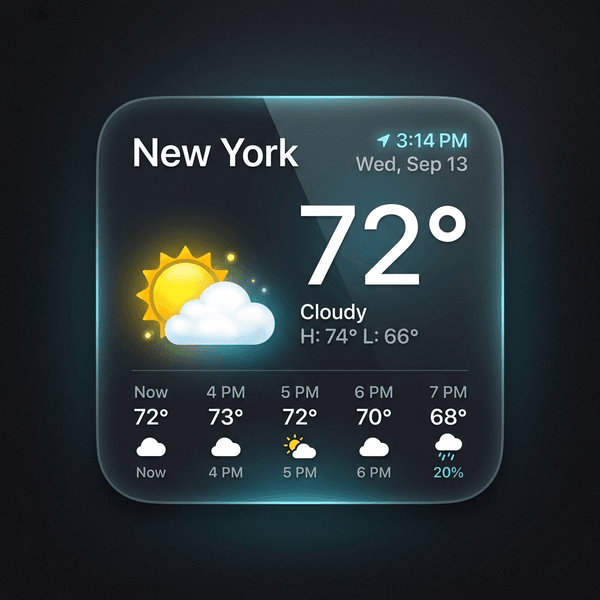
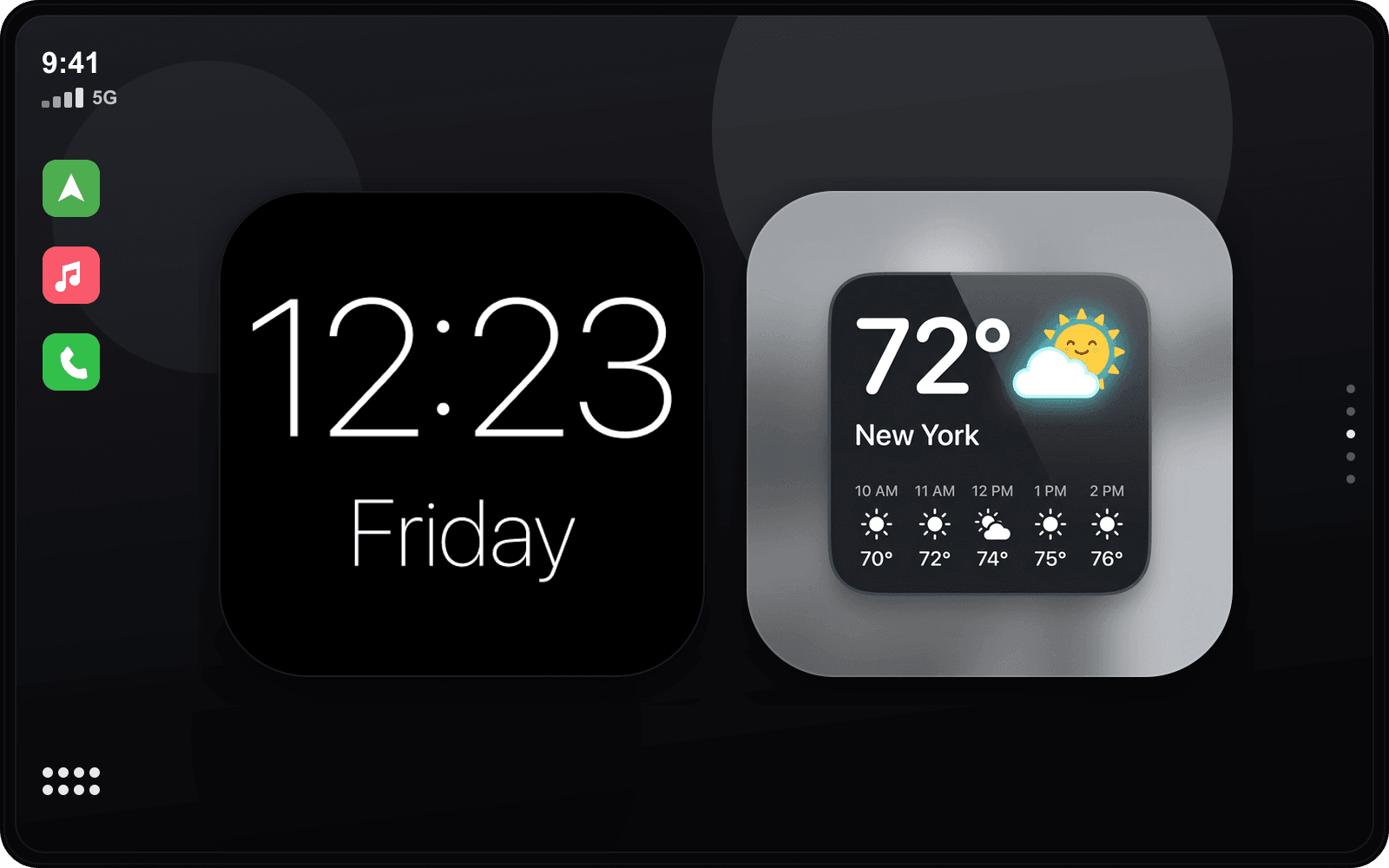
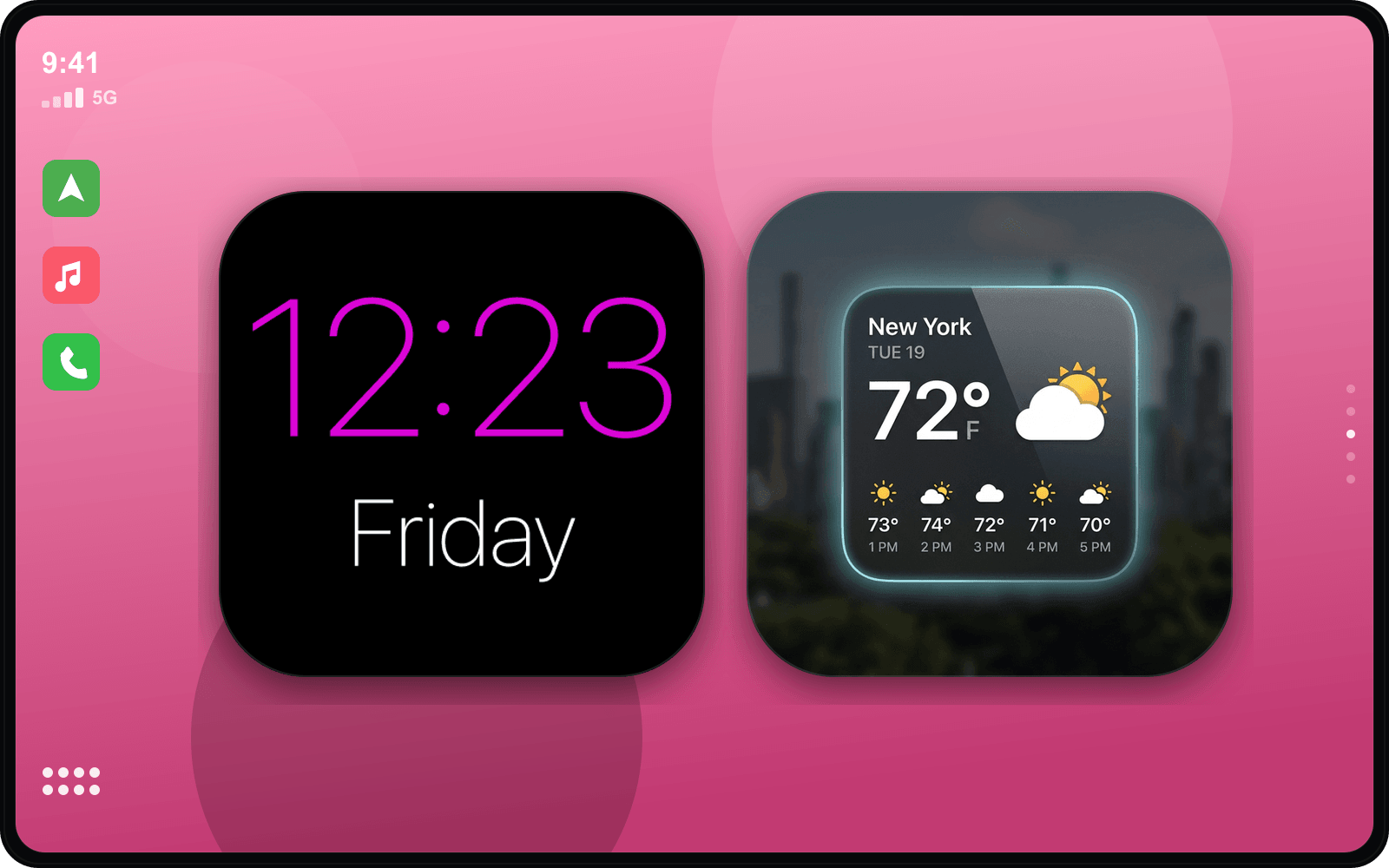
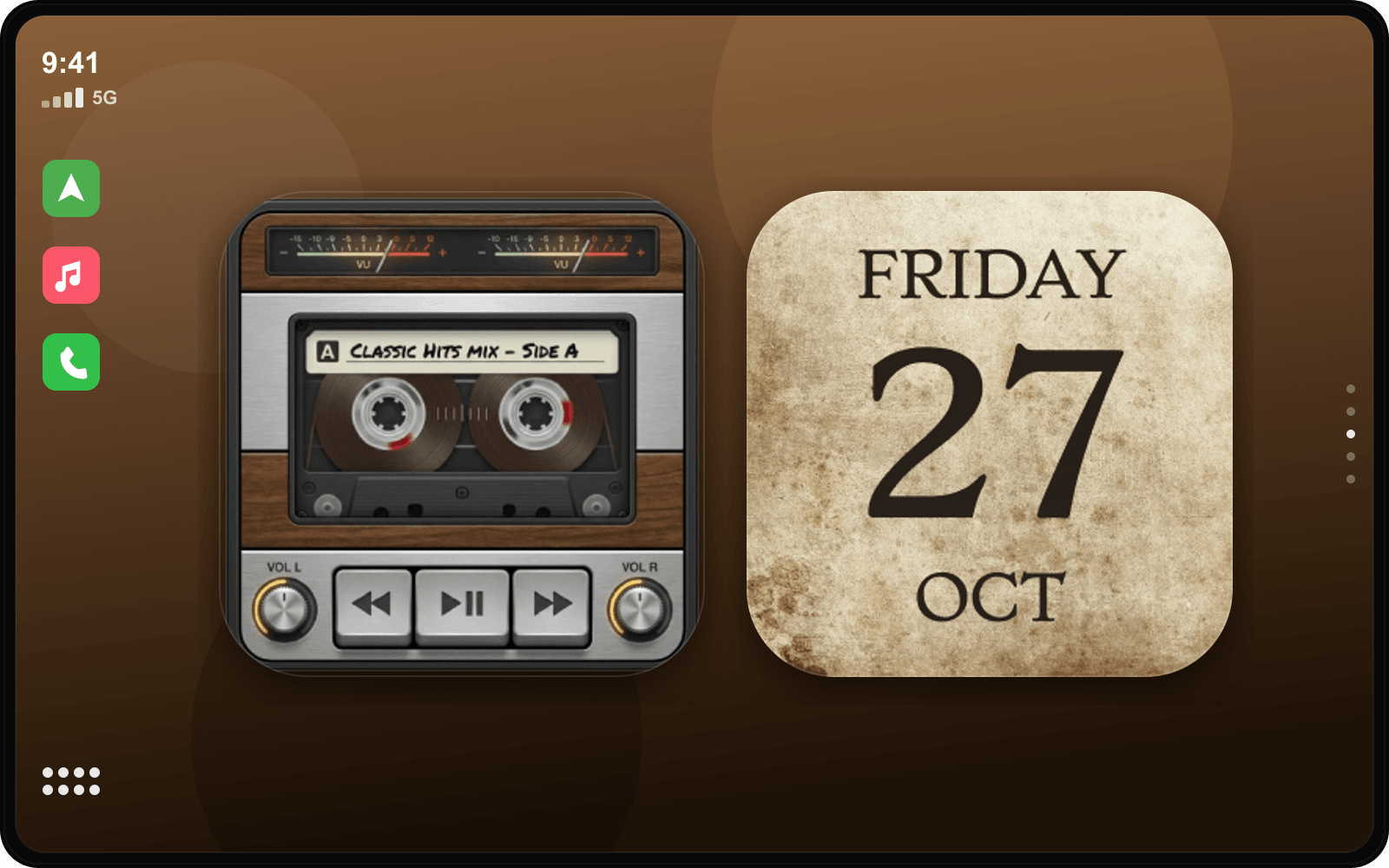
Widgets que combinam com o estilo Luxury Noir
Exemplos selecionados — toque em qualquer um para personalizar.




Som de início combinando
Luxury Sons de início
Tenha o visual Luxury Noir
- 1
Baixe o CarTheme
Grátis na App Store para iOS 26.
- 2
Aplique o tema
Escolha Luxury Noir na galeria de temas.
- 3
Adicione os widgets
Ajustes → Geral → CarPlay → Widgets.
- 4
Defina o som
Adicione o som de início combinando.
Mais temas
Ready to upgrade your dashboard?
Download CarTheme and set up your first widget, theme and startup sound in under two minutes.
Download on theApp Store