 CarTheme
Clock ウィジェット
毎日
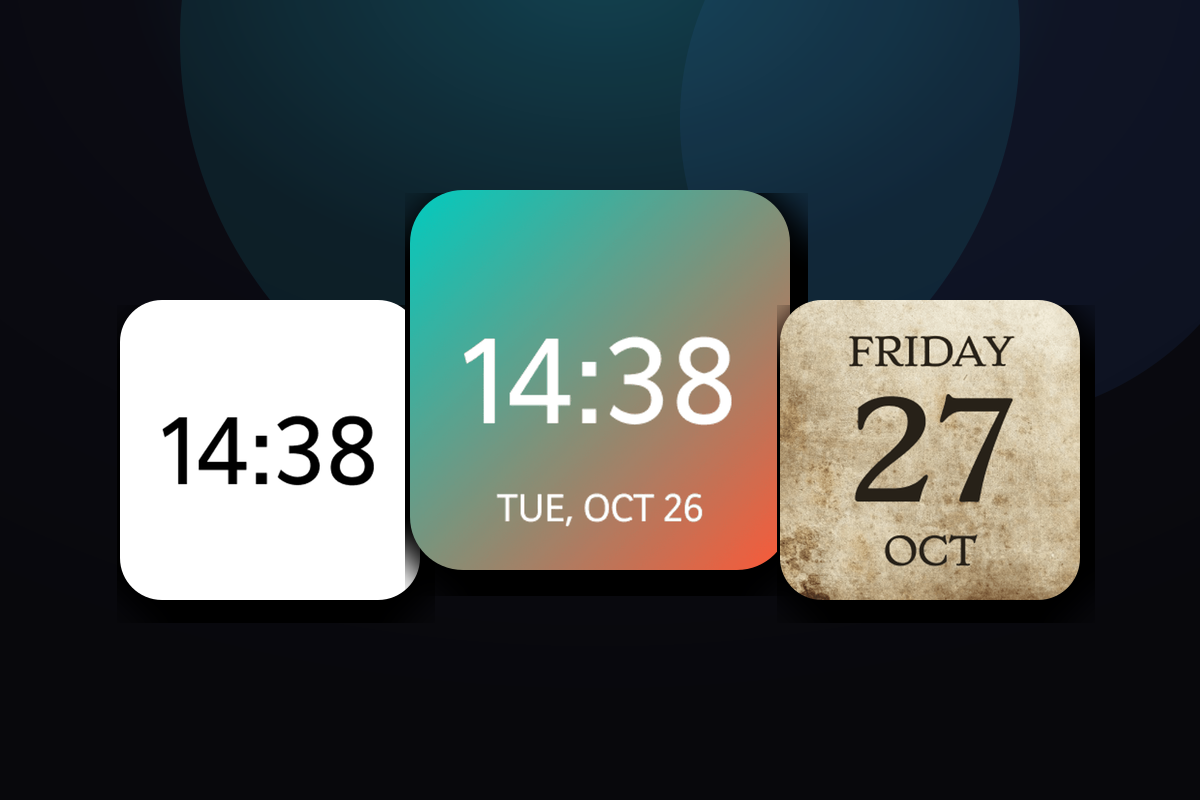
Clock ウィジェットのスタイル
作れるスタイルの一例——ここから自分好みに。
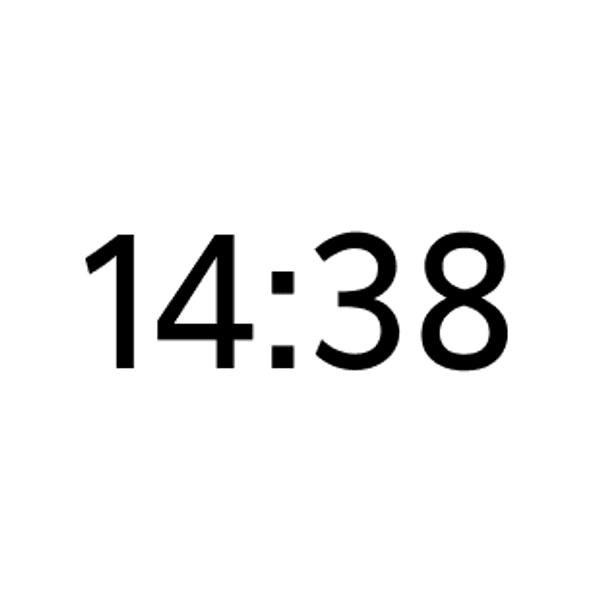
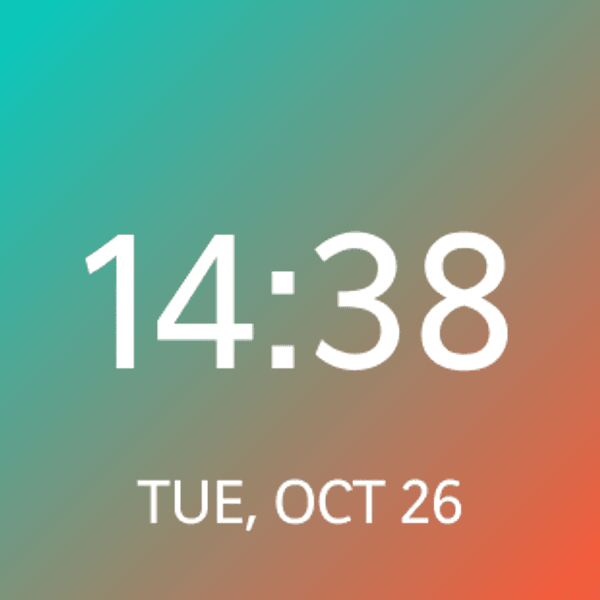




CarPlay に Clock ウィジェットを追加する方法
- CarTheme でウィジェットをデザイン。
- iPhone で 設定 → 一般 → CarPlay を開き、車を選ぶ。
- 「ウィジェット → ウィジェットを追加」で CarTheme のウィジェットを選ぶ。
- 車の画面を右にスワイプすると表示。
Clock ウィジェット — よくある質問
CarPlay で使える?
はい。CarTheme でデザインし、設定 → 一般 → CarPlay → 車 → ウィジェット から追加。iPhone のホーム画面でも使えます。
色を変えられる?
はい——色・背景・フォント・アイコンのスタイルまで調整でき、車に合わせられます。
自動で更新される?
はい。システムのスケジュールで更新されるため、アプリを開かなくても情報は最新です。
関連ウィジェット
Ready to upgrade your dashboard?
Download CarTheme and set up your first widget, theme and startup sound in under two minutes.
Download on theApp Store