 CarTheme
Mascots Widget
Personaggi
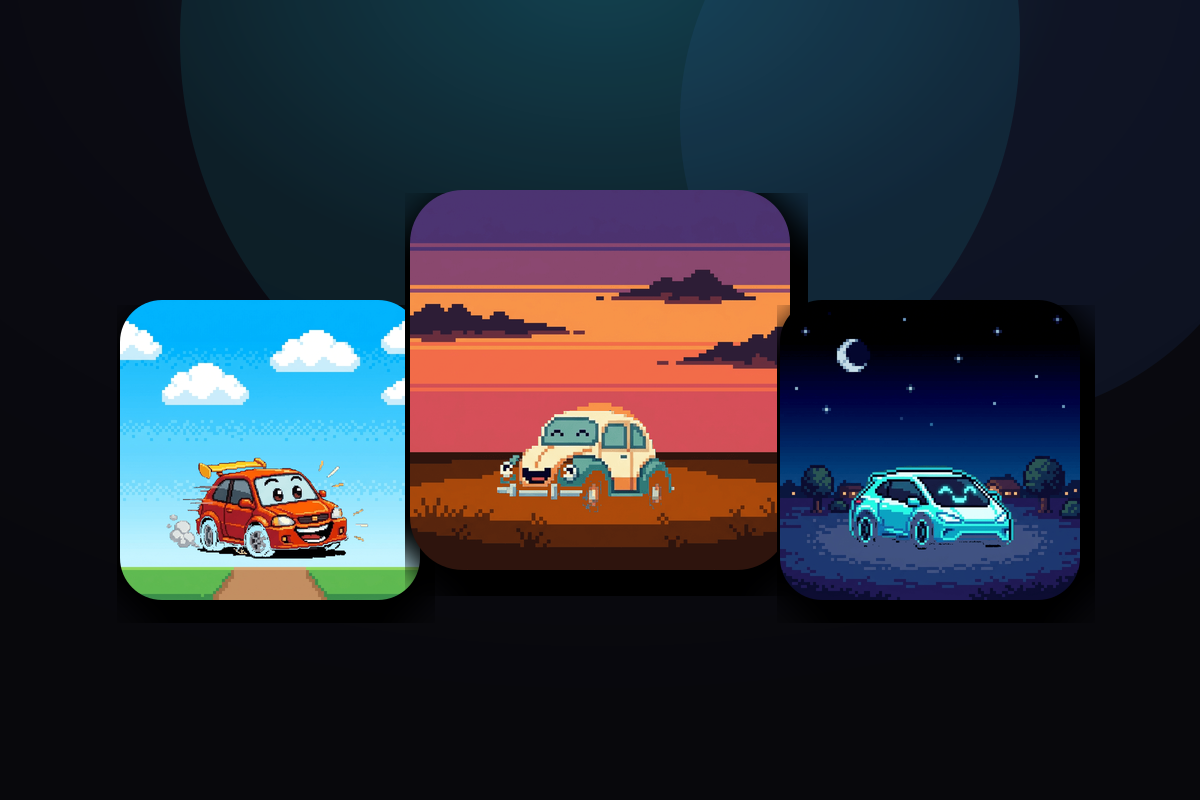
Stili di widget Mascots
Alcuni stili da creare — o un punto di partenza per il tuo.






Come aggiungere widget Mascots a CarPlay
- Crea il tuo widget in CarTheme.
- Su iPhone apri Impostazioni → Generali → CarPlay e scegli l’auto.
- Tocca «Widget → Aggiungi widget» e scegli il tuo widget CarTheme.
- Scorri a destra sullo schermo CarPlay.
Widget Mascots — FAQ
Funzionano su CarPlay?
Sì. Creali in CarTheme, poi aggiungili in Impostazioni → Generali → CarPlay → la tua auto → Widget. Anche sulla schermata Home dell’iPhone.
Posso personalizzare i colori?
Sì: colori, sfondi, font e stili d’icona sono regolabili per abbinarsi all’auto.
Si aggiornano da soli?
Sì. I widget si aggiornano secondo il sistema, senza aprire l’app.
Widget correlati
Ready to upgrade your dashboard?
Download CarTheme and set up your first widget, theme and startup sound in under two minutes.
Download on theApp Store