 CarTheme
Retro Vintage CarPlay nav.themes
Platines à cassette, grain chaud, heure dorée.
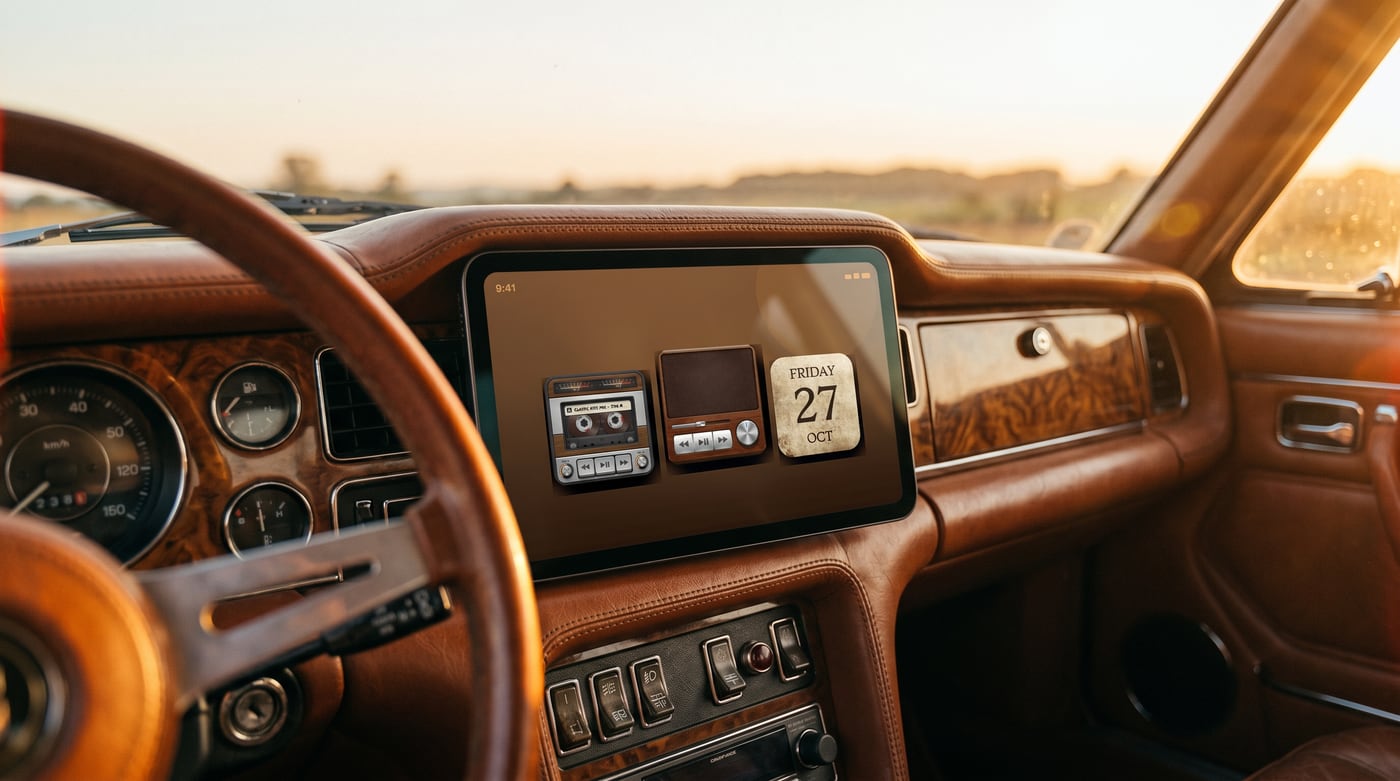
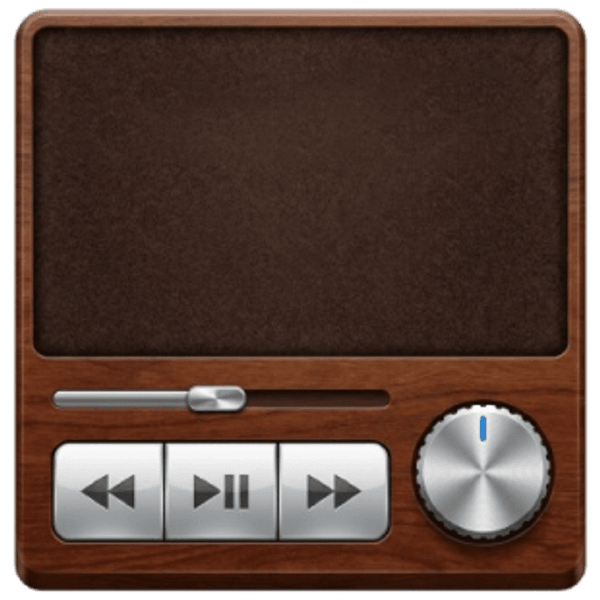
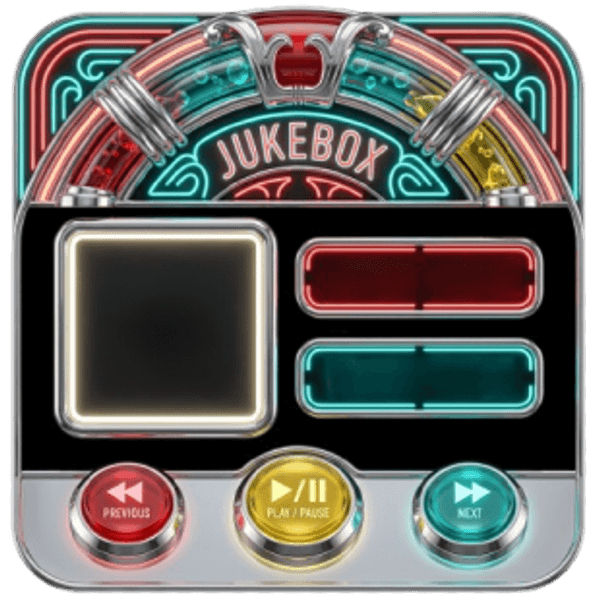
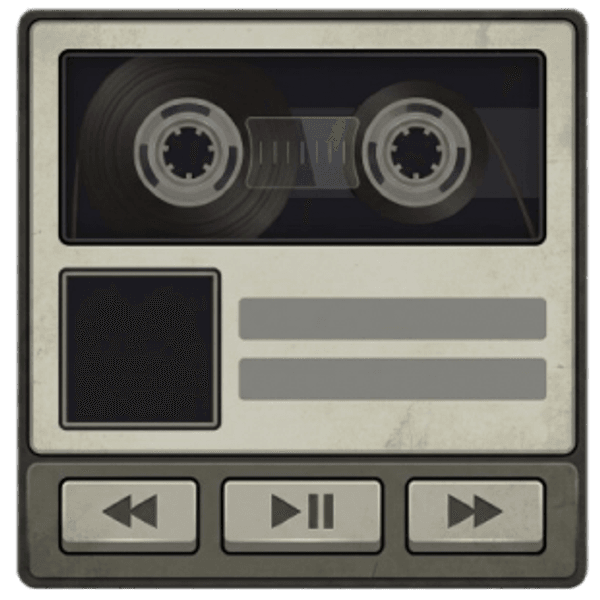
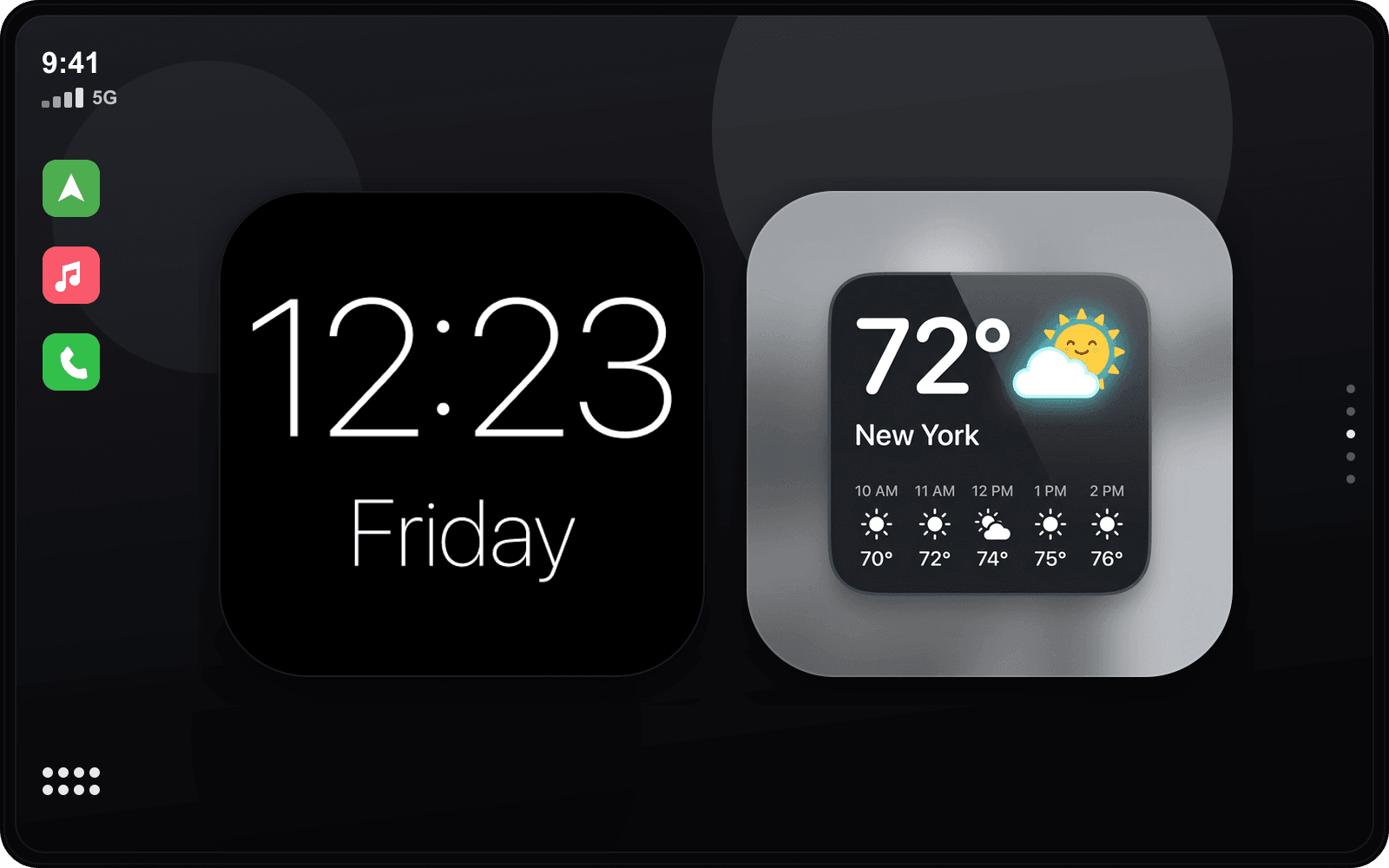
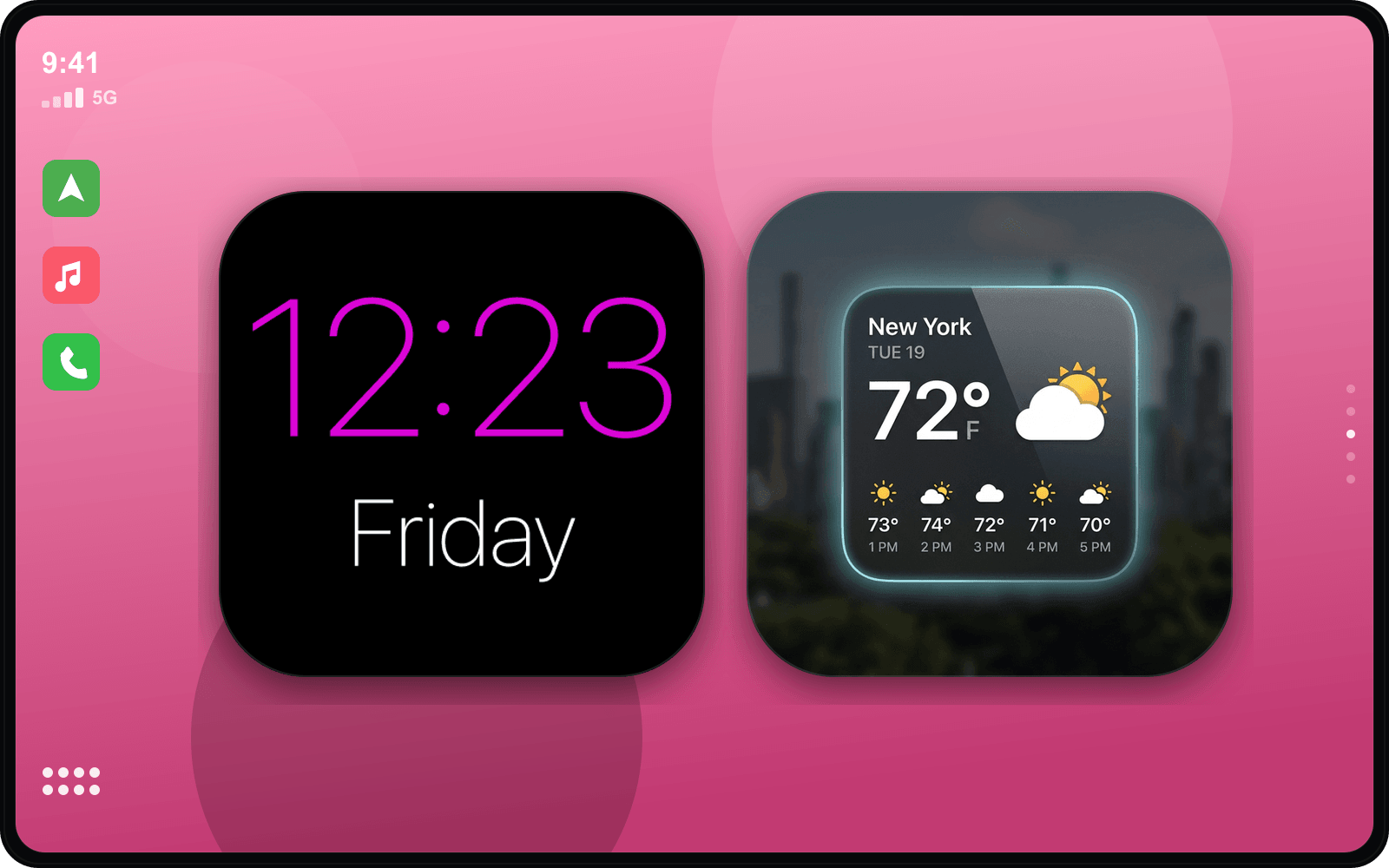
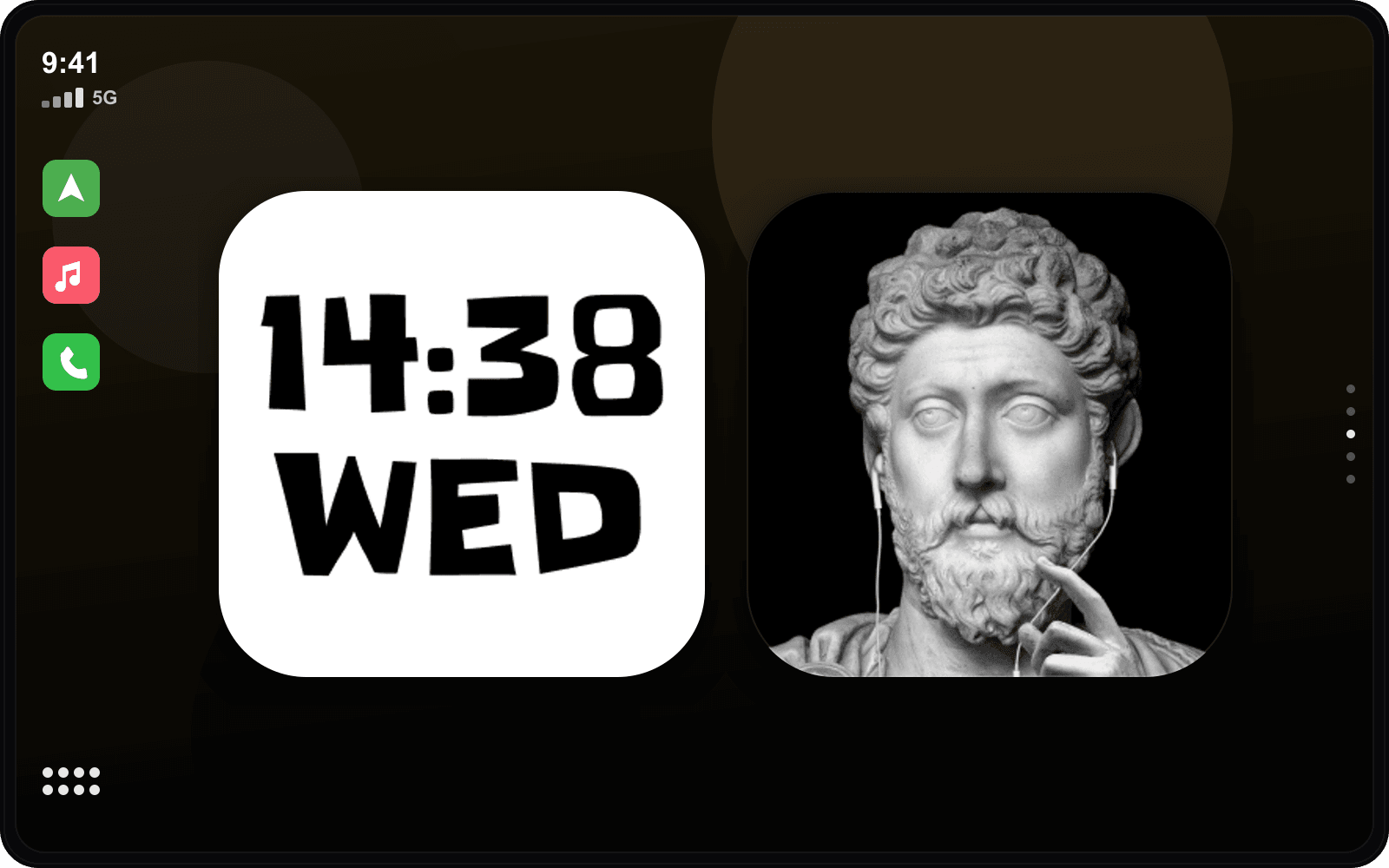
Widgets assortis au style Retro Vintage
Exemples triés sur le volet — touchez-en un pour le personnaliser.


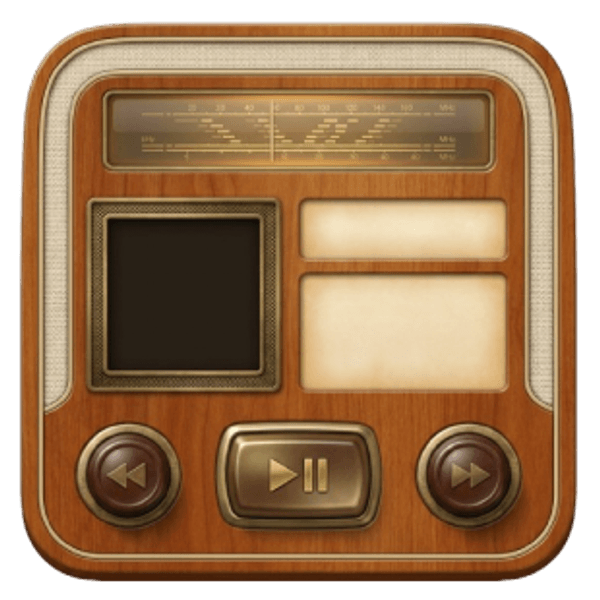


Son de démarrage assorti
JDM Sons de démarrage
Adoptez le look Retro Vintage
- 1
Téléchargez CarTheme
Gratuit sur l’App Store pour iOS 26.
- 2
Appliquez le thème
Choisissez Retro Vintage dans la galerie de thèmes.
- 3
Ajoutez les widgets
Réglages → Général → CarPlay → Widgets.
- 4
Réglez le son
Ajoutez le son de démarrage assorti.
Autres thèmes
Ready to upgrade your dashboard?
Download CarTheme and set up your first widget, theme and startup sound in under two minutes.
Download on theApp Store