 CarTheme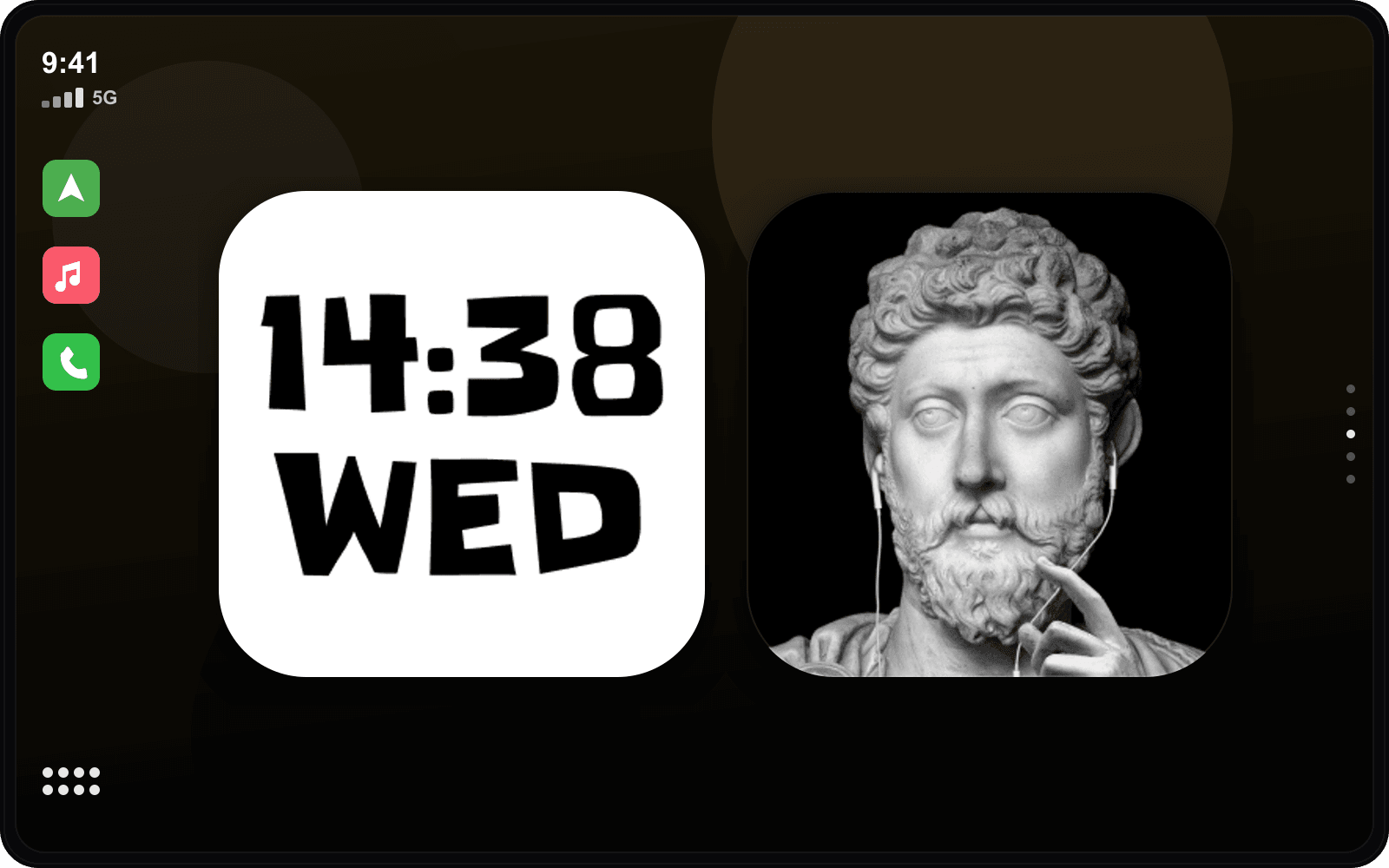
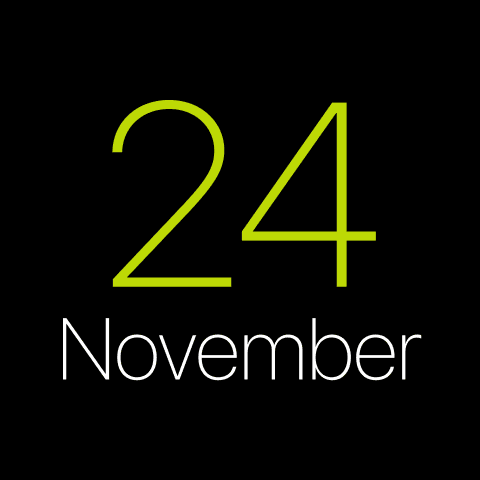
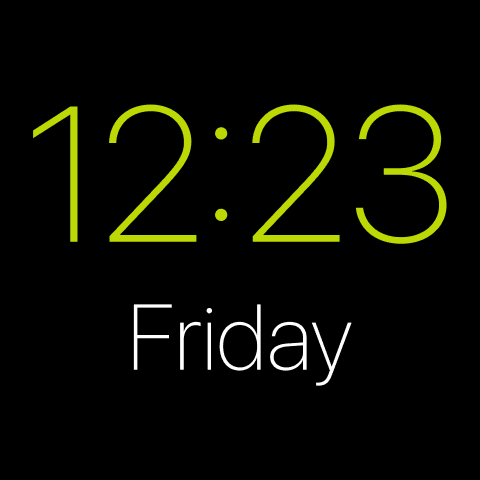
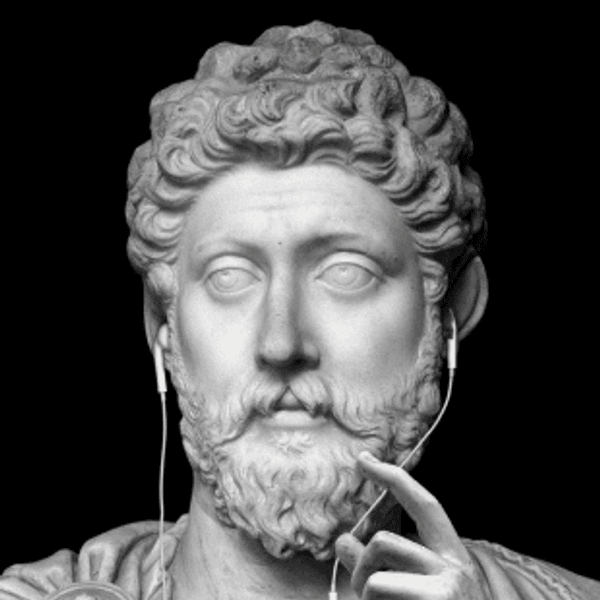
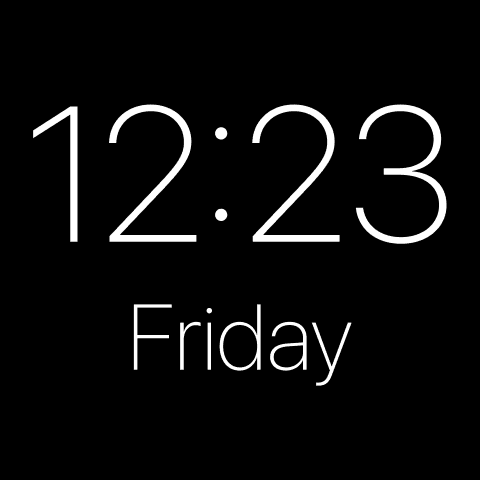
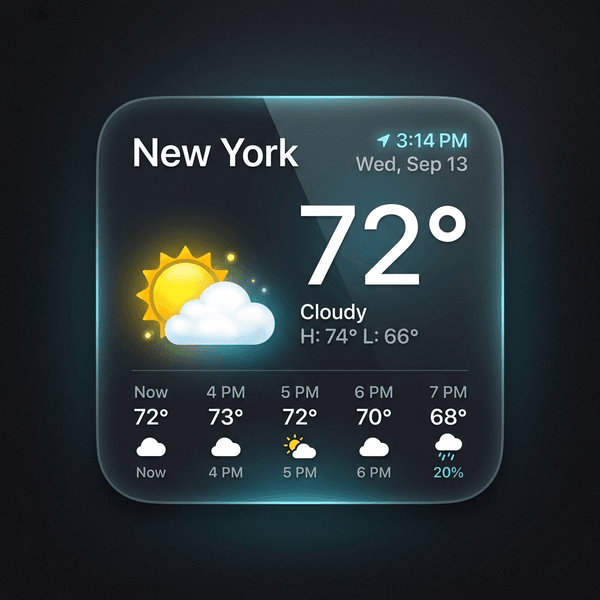
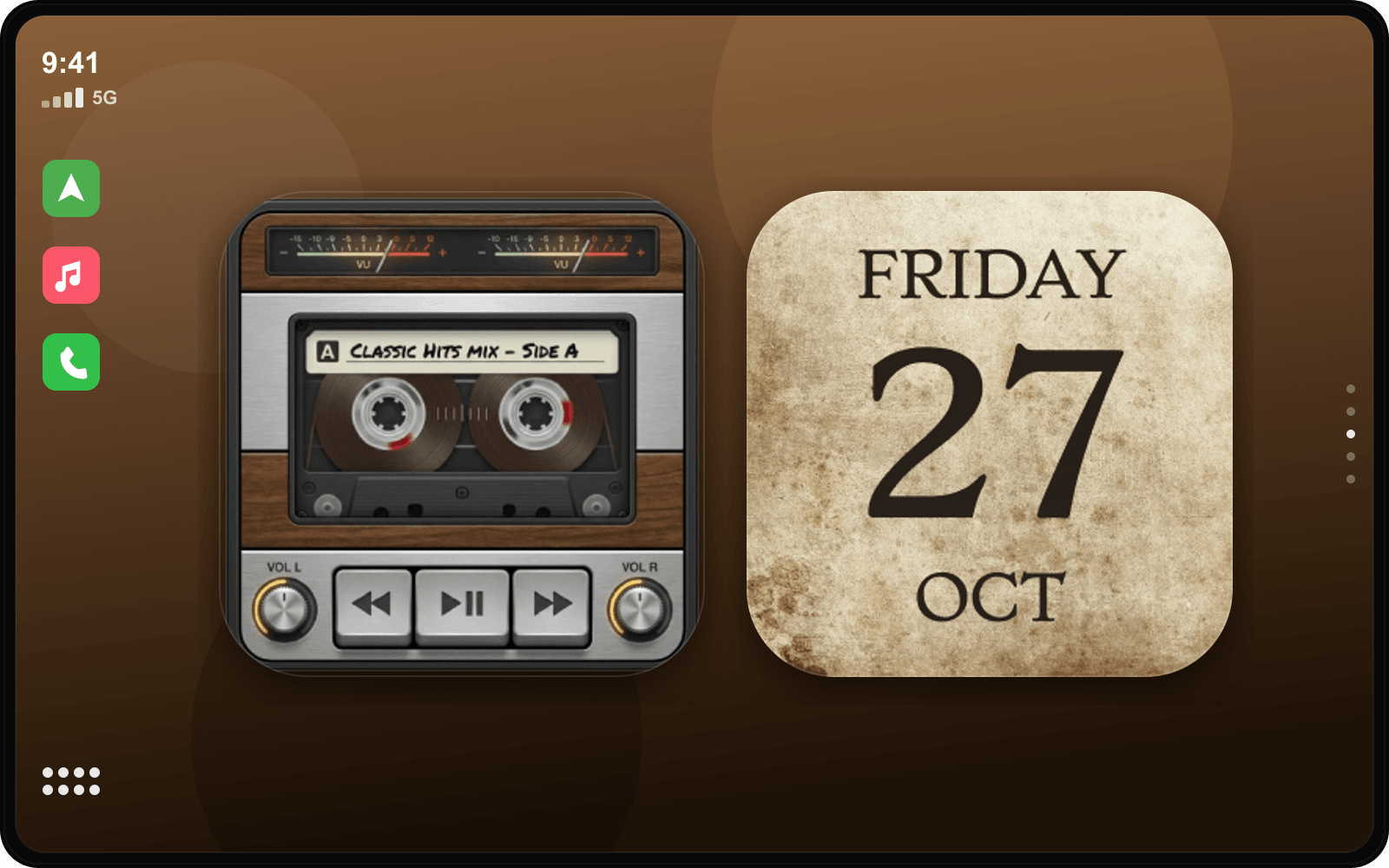
Widgets que encajan con el estilo Luxury Noir
Ejemplos seleccionados: toca cualquiera para personalizarlo.



Sonido de inicio a juego
Luxury Sonidos de inicio
Consigue el look Luxury Noir
- 1
Descarga CarTheme
Gratis en la App Store para iOS 26.
- 2
Aplica el tema
Elige Luxury Noir en la galería de temas.
- 3
Añade los widgets
Ajustes → General → CarPlay → Widgets.
- 4
Pon el sonido
Añade el sonido de inicio a juego.
Más temas
Ready to upgrade your dashboard?
Download CarTheme and set up your first widget, theme and startup sound in under two minutes.
Download on theApp Store